

Pomelli AI Marketing Images and Videos
Turn one brand look into a matching set of campaign images and short clips in the King AI workspace. Free options are limited; standard models need an account.
Local generation history
From Brand Notes to a Campaign Set
Plan Pomelli AI Marketing Around One Brand Look
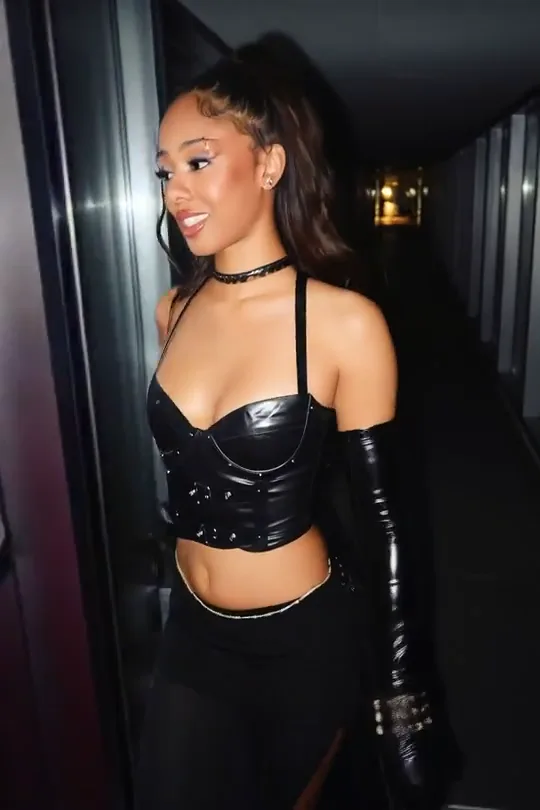
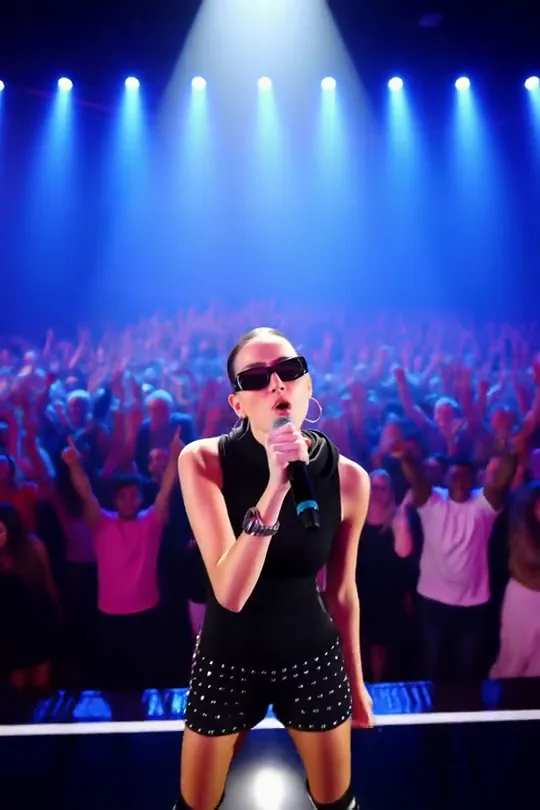
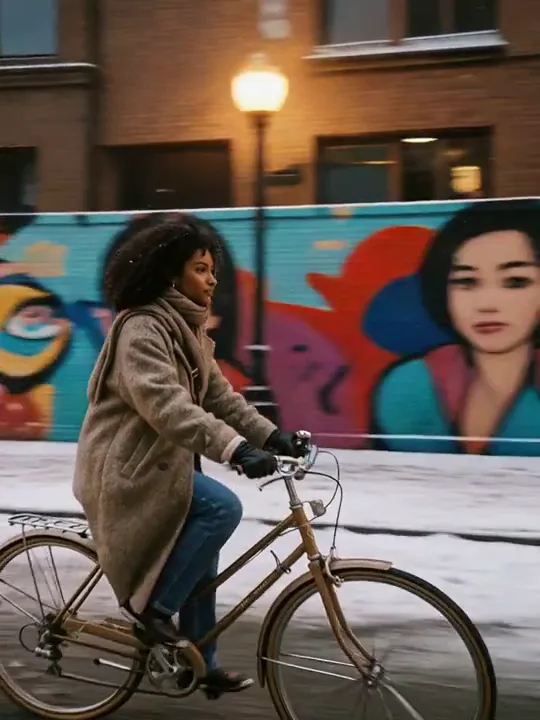
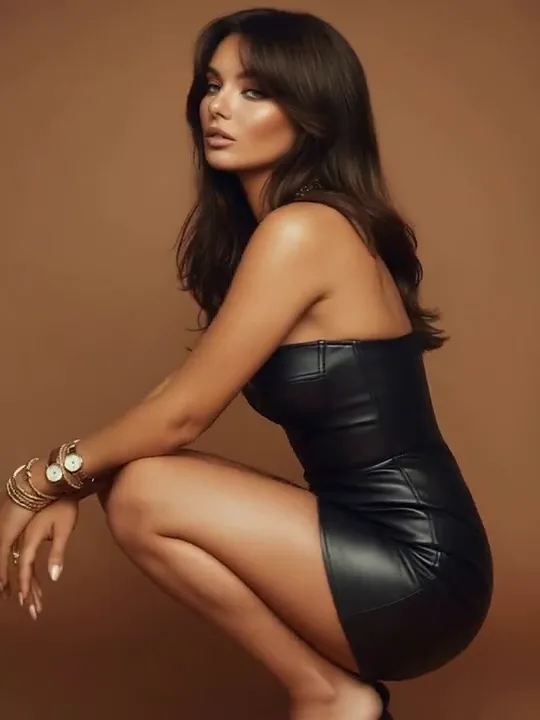
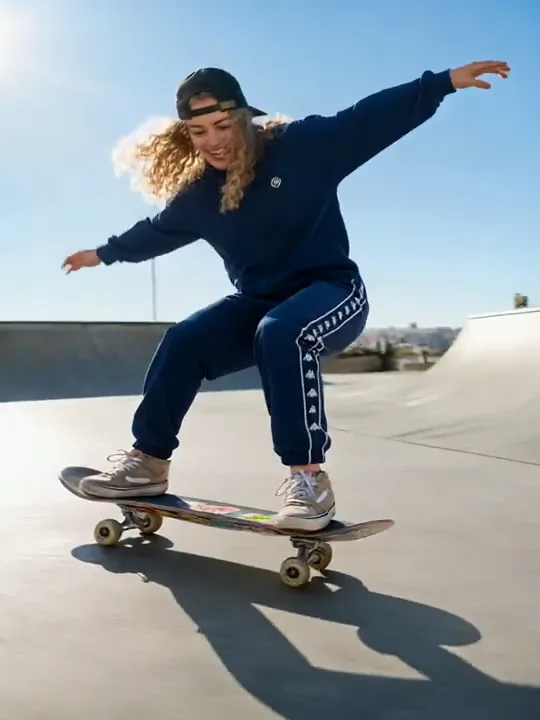
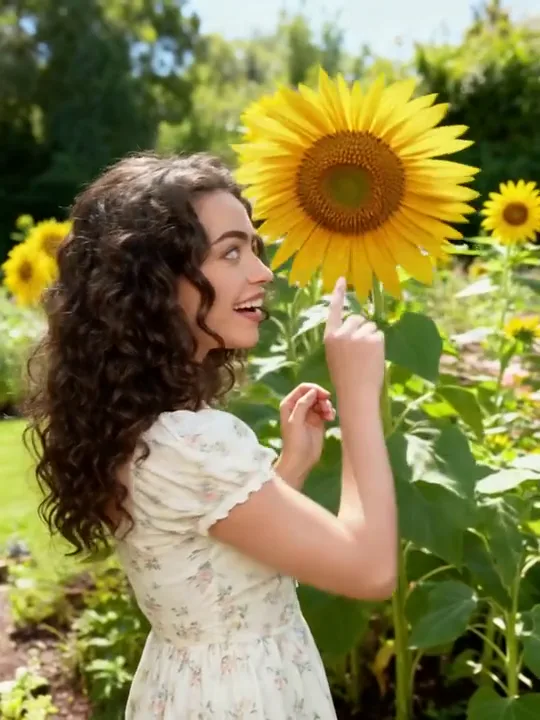
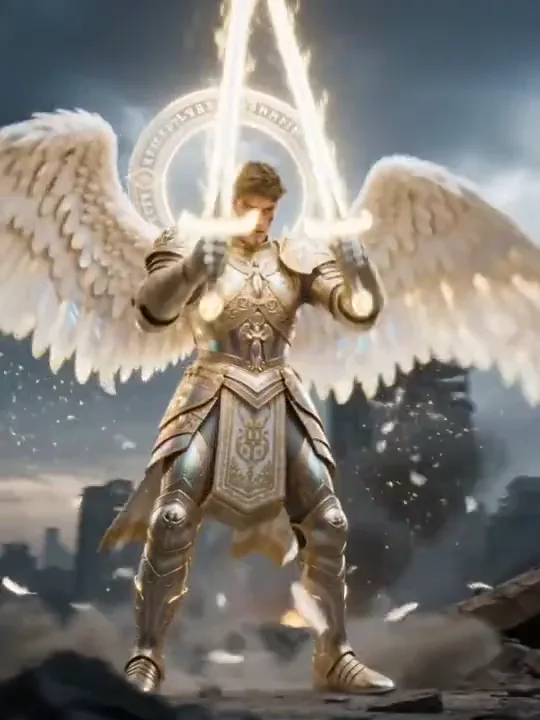
Three stages for producing on-brand visuals in the King AI workspace. These images are illustrative concepts, not recorded generator results.
Write Down the Look Before You Generate
Pomelli AI marketing only feels consistent when the brand rules exist outside your head. This portrait shows the idea: teal backdrop, teal jacket, cool light, one confident mood. List your own Pomelli AI palette, lighting, and attitude in a short brand note, then paste that note into every prompt so each asset starts from the same rules.
- Two or three named colors
- One lighting style
- A tone in three words

Repeat the Product Across Many Scenes
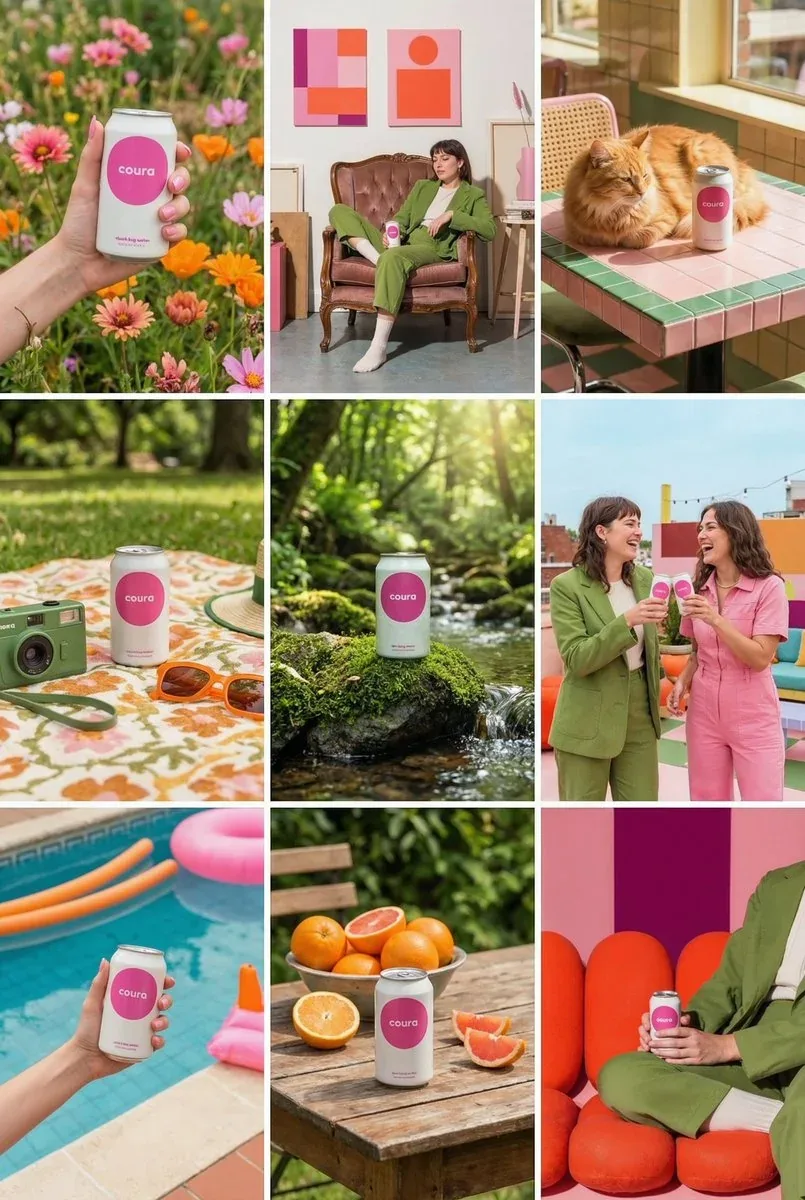
A Pomelli AI campaign is a family of images, not a single hero shot. Here one pink drink can appears in a flower field, a picnic, a pool, and a living room, yet the set still reads as one brand. Keep the product description fixed, change only the setting, and your Pomelli AI grid gains variety without losing identity.
- Same product wording every time
- Setting changes, palette stays
- Review the set side by side
Give the Best Still a Few Seconds of Motion
Once a Pomelli AI still matches the brand, image to video can add the movement a social post needs: leaves drifting, a head turning, a slow push toward the subject. Keep the Pomelli AI clip short and the motion small, so the colors and product details you approved in the still survive into every frame.
- Animate an approved still
- One small, readable motion
- Check the last frame too

A Pomelli AI Workflow That Keeps Every Asset On Brand
Use the King AI image and video modes to set a Pomelli AI brand look once, reuse it across formats, and keep only the assets that match.
A Reusable Brand Brief
Write a Pomelli AI brand brief of four or five lines: palette, lighting, typography mood, audience, and what the brand never looks like. Paste it ahead of each scene description. A Pomelli AI brief that stays word-for-word identical across prompts is the simplest way to keep a campaign from drifting.
Images First, Then Motion
Generate the Pomelli AI stills in image mode, choose the strongest, and only then move to image to video. Locking the frame first means the product shape, label colors, and composition are settled before any motion is added, which keeps Pomelli AI clips closer to the approved look.
A Brand Check Before Publishing
Every Pomelli AI asset should pass the same short checklist: correct colors, recognizable product, no invented text or logos, and a tone that fits the brief. Reject anything that fails even one item. A smaller Pomelli AI set that matches the brand beats a large set that needs explaining.
Run a Pomelli AI Campaign From Brief to Short Clip
Brief, Batch, Animate
Keep the brand rules, the scene variations, and the motion pass as separate steps so each one can be checked on its own.
- 1
Write the Brand Brief
Describe the Pomelli AI palette, lighting, mood, and product in plain words, or upload a product photo you own. Choose the aspect ratio for the channel first, because a Pomelli AI feed post and a vertical story need different framing.
- 2
Generate the Scene Variations
Keep the brief fixed and change one thing per prompt: location, season, or prop. Compare the Pomelli AI results as a grid and drop any image whose colors or product details wander. Check the allowance shown before each batch; free access is limited.
- 3
Animate and Export the Keepers
Send the best Pomelli AI stills to image to video with one short motion instruction. Watch each Pomelli AI clip to the end, download the ones that hold the brand look, and store the prompt beside each file for the next campaign.
Can I make Pomelli AI style marketing images for free?
You can start a Pomelli AI test with the free options in the King AI workspace. Free access has a limited allowance, and standard models need an account or credits. Check the allowance and settings shown before you submit. A careful Pomelli AI brief helps you waste fewer attempts, but it does not change those limits.
What should a Pomelli AI brand brief include?
Keep the Pomelli AI brief short and concrete: two or three colors by name, one lighting style, the mood in a few words, the product described the same way each time, and one line on what to avoid. A Pomelli AI brief written like that is easy to paste, easy to revise, and easy for a teammate to reuse without guessing what the brand looks like.
How do I keep a product consistent across Pomelli AI images?
Use identical product wording in every Pomelli AI prompt and, when possible, start from a clear product photo you own. Change the background, not the object. Then compare the Pomelli AI results side by side and check shape, color, and proportions. Generated labels and small text are often unreliable, so plan to add real packaging text or logos in your own design tool.
Can Pomelli AI style campaigns include short videos?
Yes. The workspace offers text to video, image to video, and first-and-last-frame options. For brand work, image to video is usually safest: animate a still you have already approved, ask for one gentle motion, and keep the Pomelli AI clip short. Large camera moves and busy action make it harder for colors and product details to stay stable.
Can the workspace read my website to learn my brand?
No. Some tools, such as Pomelli from Google Labs, build a brand profile from a URL, but King AI does not scan websites or import brand kits. You describe the brand yourself in the prompt and, if useful, upload a reference image you have rights to. That manual step is also an advantage: your Pomelli AI brief stays visible and editable, so you always know which instruction produced which result.
Which aspect ratios suit Pomelli AI social posts?
Decide the destination before you generate. Square and 4:5 frames suit most Pomelli AI feed posts, 9:16 suits stories and short-form video, and 16:9 suits banners or landscape edits. Compose each Pomelli AI image for its final ratio rather than cropping later, and use the ratio options the workspace shows for the selected mode.
How many Pomelli AI variations should I generate per campaign?
Start small. Three to six scenes are usually enough to see whether the brief holds. If two of them drift, fix the brief before making more. A focused Pomelli AI batch is cheaper to review and keeps your allowance for the clips you will actually publish, rather than for near-duplicates nobody will use.
Can I add text, prices, or logos inside Pomelli AI images?
Generated lettering in a Pomelli AI image can look plausible yet contain errors, and invented logos can resemble real marks. For anything customers will read, such as prices, offers, or a wordmark, leave clean space in the Pomelli AI image and add the text in a layout tool afterward. That keeps the copy accurate and the brand assets truly yours.
How do I match a Pomelli AI video to the still it came from?
Start the video from the approved still, keep the same brief in the motion prompt, and limit the movement to one action or a slow camera drift. Watch the Pomelli AI clip from first frame to last and compare the ending against the still. If colors shift or the product warps, shorten the motion and try again.
Which settings matter most for Pomelli AI work on this page?
The King AI workspace sets the available models, modes, durations, and aspect ratios, and those options can differ between image, video, free, and standard workflows. For Pomelli AI work, the ratio and the mode matter most: pick them before writing scene prompts, then keep them fixed across the whole set so every asset lines up in the feed.
What if a Pomelli AI generation fails or looks off-brand?
Read the workspace message first. A quota notice or busy service is not a prompt problem, so avoid resubmitting the same request repeatedly. If the Pomelli AI result simply looks off-brand, compare it to your brief, find the line it ignored, and make that line more specific. Keep the Pomelli AI brief saved locally so nothing is lost.
How should I organize Pomelli AI assets after export?
Download each approved file and name it by campaign, channel, and ratio. Keep the brief, the scene prompt, and any source image in the same folder. When the next Pomelli AI campaign starts, you can reuse the brief as-is and see exactly which prompts produced the assets that performed well.