



Sort the Seedance 2.5 Job Before You Generate a Clip
Decide whether the North Quay clip is a settled desk, a quick hanging-bell try, or a sign-off before a fresh finished shot. Then switch to Video and select the Seedance model name shown in the list.
Three Seedance Starting Jobs
Plan the Seedance 2.5 Clip Around the Job You Are Starting
A Seedance 2.5 plan on this page sorts the job before a clip exists. Seedance 2.5 Standard is the start when the North Quay brief is settled and you want a direct, quality-focused generation. Seedance Flash is the start for quick, independent candidates. A quick Seedance Flash frame of the hanging bell can be the piece you keep, if it already holds up on its own. Selecting a Seedance Flash candidate does not pass it into Seedance Draft; those two routes do not share a task. Choose Seedance Draft when the bell, lamp, or window framing still needs a sign-off, and only then commission a separate finished version. Take the accepted bell, lamp, and window framing into a new Seedance final instead of enlarging the preview file. Switch to Video and select the Seedance model name shown in the list.
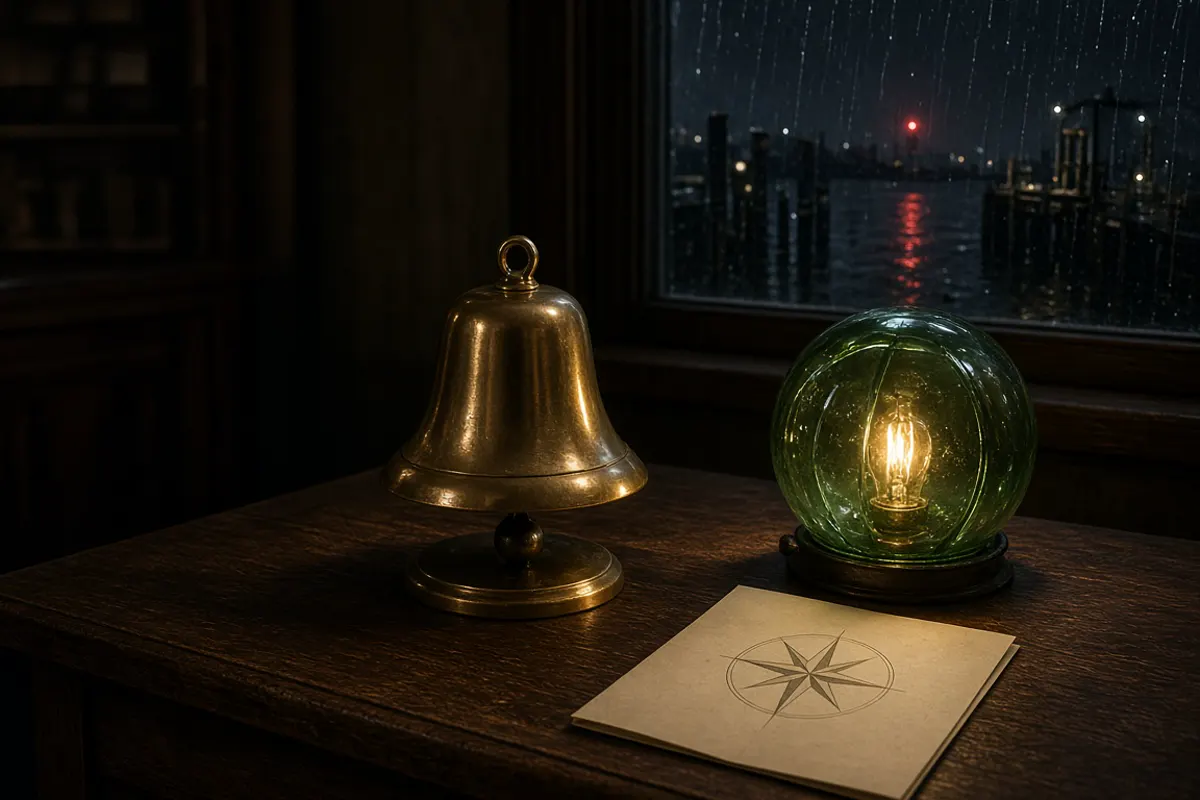
Generate the Settled North Quay Desk Directly
This Seedance 2.5 Standard study is the night desk after the weekly harbor note is already agreed. A brass tide bell rests on dark oak, a cream route card carries a compass rose, and a green glass buoy lamp glows beside a rainy window with one red light on the water. The Seedance brief names the bell, the card, the lamp, and the rain, then stops.
- Keep the bell, card, lamp, and rain
- Leave extra boats out of the frame
- Judge the clip against the agreed note
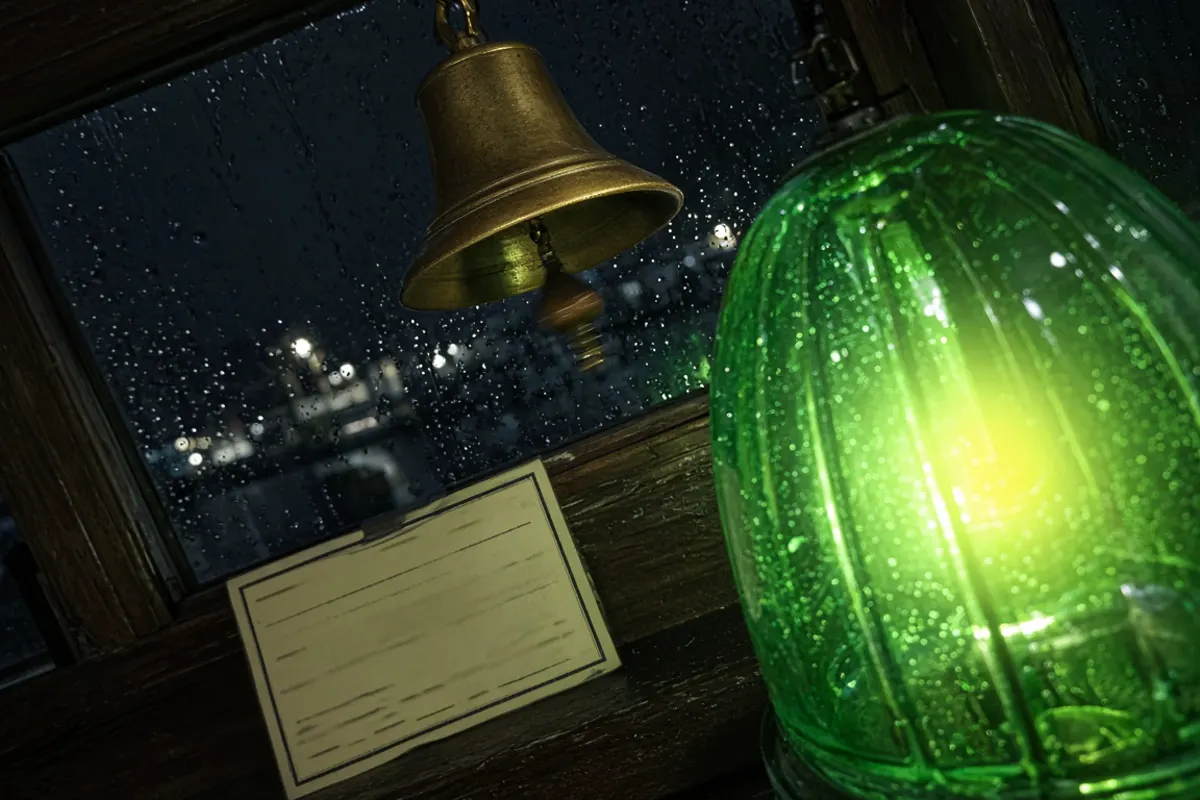
Keep Each Quick Opening Able to Stand Alone
This Seedance Flash study is a different candidate, not a rough pass of the desk. The bell hangs in the rainy window, the green lamp flares close, and the route card sits on the sill. If that hanging-bell frame already holds up, it can be the Seedance Flash piece you keep. It stays on the Flash route and does not replace the settled desk shot. Write this Seedance opening on its own. Another idea needs a new prompt, not an enlarged copy of this file.
- Treat this angle as its own clip
- Keep it out of the preview path
- Write a new prompt for the next idea
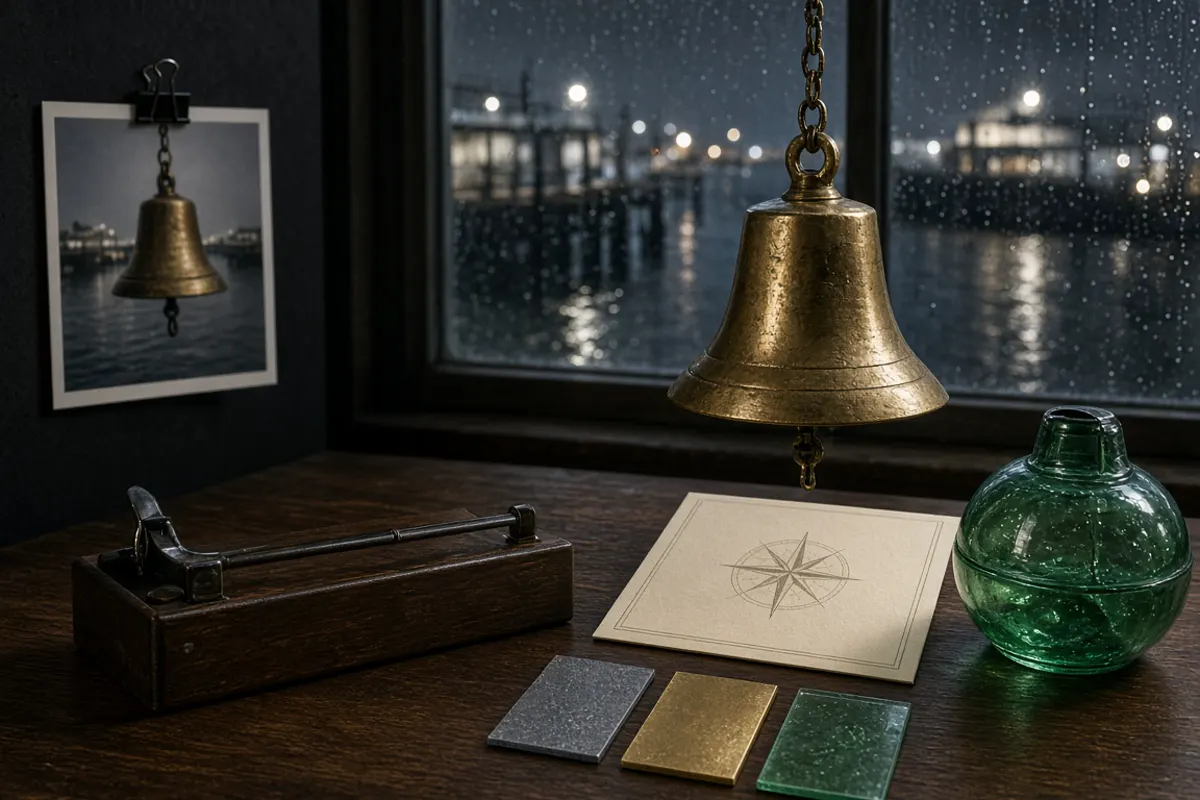
Sign Off the Desk, Then Commission the Finished Shot
This Seedance Draft study splits the work: first a preview to accept, then a fresh generation for the finished desk shot. A small print of a bell is pinned on the wall. The real bell, the compass card, the green lamp, and chips for rain gray, brass, and green glass are what the finished shot should keep. Take the accepted bell, lamp, and window framing into a new Seedance final instead of enlarging the preview file. Using Seedance Draft will not automatically reduce what you spend. The cheaper preview is worth it only when it saves enough finished renders.
- Read the pinned print as a sign-off
- Take bell, lamp, and window forward
- Price preview charges with finished shots
What the Three Seedance Names Are For
Each Seedance name answers a different planning question. The row you later select in Video is a separate choice, and it uses the label printed in the menu.
Seedance 2.5 Standard Is a Direct Generation
Use Seedance 2.5 Standard when the brief is closed. For North Quay, the desk bell, the compass card, the green lamp, and the rainy harbor are already the shot. Judge the Seedance pass against the note you wrote before opening the form.
Seedance Flash Stays an Independent Clip
Use Seedance Flash when you need several candidates quickly and each one must stand alone. The hanging bell and the close lamp are one candidate. Another Seedance Flash prompt might move the card or drop the flare. Selecting a Seedance Flash candidate does not pass it into Seedance Draft; those two routes do not share a task. Keep the frames that already hold up and leave the rest out.
Seedance Draft Takes the Desk into a New Final
Choose Seedance Draft when the bell, lamp, or window framing still needs a sign-off, and only then commission a separate finished version. The pinned print is only that sign-off. The accepted bell, lamp, and window framing go into a new Seedance final. Do not enlarge the preview file and call that the finished desk shot.
Order the Seedance 2.5 Choice Before You Submit
Job First, Then the Listed Name
Decide the job, write the North Quay prompt for that job, then switch to Video and select the Seedance model name shown in the list.
- 1
Lock the Settled Desk, Then Read the Menu
Write the Seedance 2.5 Standard prompt as one composed shot: brass bell on the oak desk, compass card, green buoy lamp, rain on the window, one red light on the harbor. Switch from Image to Video. Choose Seedance 2.5 when that label is listed. If the menu shows Seedance 2.0, Seedance 2.0 Fast, or Seedance 2.0 Mini instead, use that listed name.
- 2
Write the Quick Candidate as Its Own Prompt
Write the Seedance Flash prompt as its own idea: hanging bell, close lamp, card on the sill. If the frame already holds up, that Seedance Flash piece can stay. It does not move onto the Draft route.
- 3
Take the Bell and Window into a New Final
On Seedance Draft, wait for a sign-off on the bell, lamp, or window, then commission the finished desk shot as a fresh generation. Do not enlarge the pinned print and call it done.
What do Seedance 2.5 Standard, Seedance Flash, and Seedance Draft mean here?
They name three jobs, not three extra menu rows. On this page, Standard, Flash, and Draft are job labels for the North Quay plan. Standard is the direct Seedance generation once the brief is settled. Flash can stand as its own piece. Draft asks for a sign-off, then a fresh finished desk shot. Draft is not a third model beside the other two.
Which model name should I select for a Seedance plan?
Switch to Video and select the Seedance model name shown in the list. Rows can include Seedance 2.5, Seedance 2.0, Seedance 2.0 Fast, and Seedance 2.0 Mini, plus King AI Fast, King AI Pro, Kling 3, Kling 3 Turbo, Kling O3, MiniMax H3, HappyHorse 1.1, and Gemini Omni 1.1 Flash. That Flash row is a different model. On this page, Standard, Flash, and Draft are job labels for the North Quay plan. Read the credit line beside the name you select.
Can a Seedance Flash clip be handed to Seedance Draft?
No. If the hanging-bell frame already holds up, that Seedance Flash piece can stay, or you can discard it and write a new prompt. The Flash route and the Draft route do not share a task.
Is Seedance Draft cheaper than generating the clip directly?
Using Seedance Draft will not automatically reduce what you spend. The cheaper preview is worth it only when it saves enough finished renders. Price the whole Seedance harbor sequence by adding every preview charge to every final you still commission, and stack that against making each candidate at finished quality from the first try. Pay attention to how many North Quay shots must actually land on the desk, not how many rainy-window ideas you want to scan. Read the credit line on the selected row.
What should move into a new Seedance final after the sign-off?
Take the accepted bell, lamp, and window framing into a new Seedance final generation instead of enlarging the preview file. At North Quay that means the brass bell, the compass card, the green lamp, the rainy window, and the three chips. Draft splits the work: first a preview to accept, then a fresh generation for the finished desk shot.
Why does this Seedance page open on Image?
The form opens on Image. Those rows include Seedream 5 Pro, GPT Image 2, Qwen Image 3, Nano Banana 2, Flux 2 Pro, and Grok Imagine Image 2. Use Image only for a still of the desk. Switch to Video for a clip and select the Seedance model name shown in the list.
What if Seedance 2.5 is not listed in my menu?
Use the name that is listed. Seedance 2.0, Seedance 2.0 Fast, and Seedance 2.0 Mini are the nearby labels. A missing row is an access result for that session, so the brief can wait. Read the fields under the name you select, and do not assume another row shares its duration or resolution.
How do I compare two Seedance attempts of North Quay?
Save the prompt with the menu name, the ratio, and the job. Change one decision: the hanging bell instead of the desk bell, the lamp flare, or whether you are approving a preview. View both clips at the same size and keep the one that matches the job.
Are the Seedance pictures on this page generated results?
No. The desk, the window, and the pinned preview were drawn so the three jobs are easy to tell apart. They are not workspace samples, and they are not a promise of the next run. Judge only the file that comes back from your prompt.
Which frame and length fit a Seedance harbor clip?
Use a ratio and a duration the selected row offers. A wide frame gives the rainy window and the bell room together. A closer frame suits the quick flare. Keep the bell and the lamp off an edge a crop might cut. A missing control on that row is outside this attempt.
What if a Seedance attempt cannot run?
Read the message on the form before you rewrite the picture. A credit notice, an unavailable row, or a failed request is an access result. The brief can wait. Do not resend the same settled shot, quick candidate, or preview prompt until a new attempt is allowed.
How should I finish the North Quay Seedance clip?
Download the file from the result controls and keep the prompt beside it. On a settled run, check the desk bell, the compass card, the green lamp, and the red harbor light. On a quick run, check that the clip stands alone. On a Draft path, check that the finished desk shot was generated fresh and still uses the accepted bell, lamp, and window framing. Captions and music belong in your editor after that.