


Prompt subject
Open Video, describe the action, and add a picture only when you want the clip to start from it. Review the file, then download it.
Prompt, frames, and a file you can keep
This MAGI-2 video generator turns a written action into a clip you can watch and download. Sand.ai’s 24 November 2026 note calls MAGI-2 the flagship after the MAGI-2 Preview research note of 5 August 2026, and that note is about generated motion rather than a still picture. The flagship MAGI-2 note adds native audio, up to 30 seconds at 1080p and 25 fps, and references that can include images, video, and audio. The frames below were drawn for this guide. They are not files taken from the MAGI-2 note. Open Video. A fresh visit starts on King AI Fast. That row takes a prompt of up to 1,000 characters, an optional JPEG or PNG picture, and, on Fast, a start frame plus an end frame. The same row offers 16:9 or 9:16, 4, 6, or 8 seconds, 720p or 1080p, and an audio switch. It does not take a video file or an audio file. A saved draft can reopen another listed row, and that row prints its own inputs. Generate the clip, watch the file, then download it.
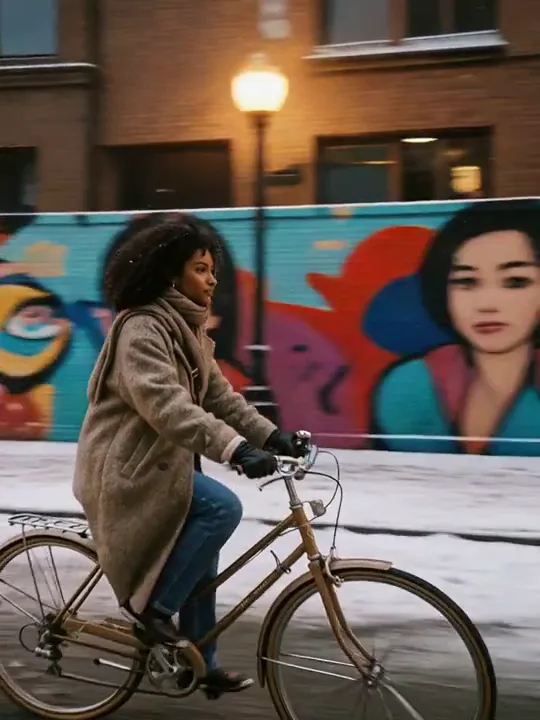
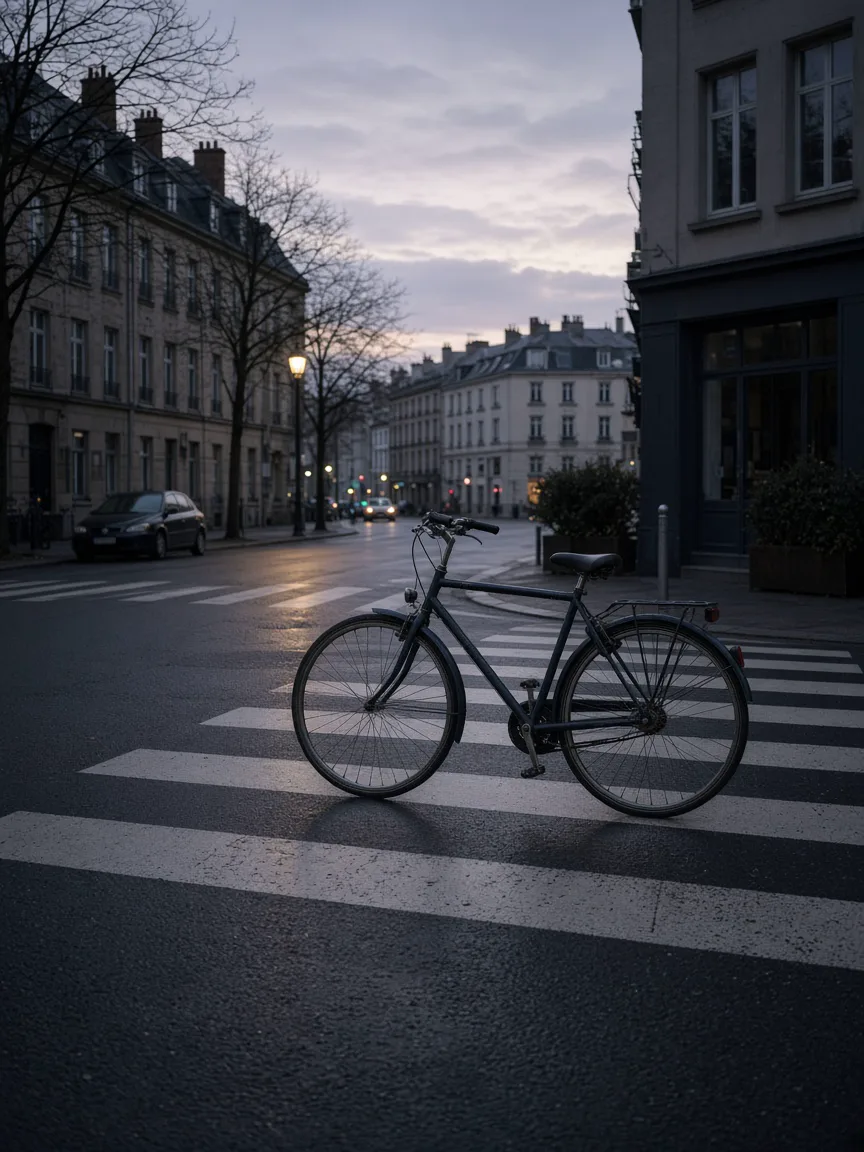
Leave the picture slots empty. The magi-2 API also starts from a single text part, so one action is enough: a bicycle rolling through a wet crosswalk while the lamps are already on. Name what moves and what stays still. Submit that prompt on its own.
Attach one JPEG or PNG, such as a mug on a sill, and say what should change. A slow move toward the mug is enough for this clip. The MAGI-2 note’s reference images are a larger set. Here the picture sets the opening and the sentence sets the motion.

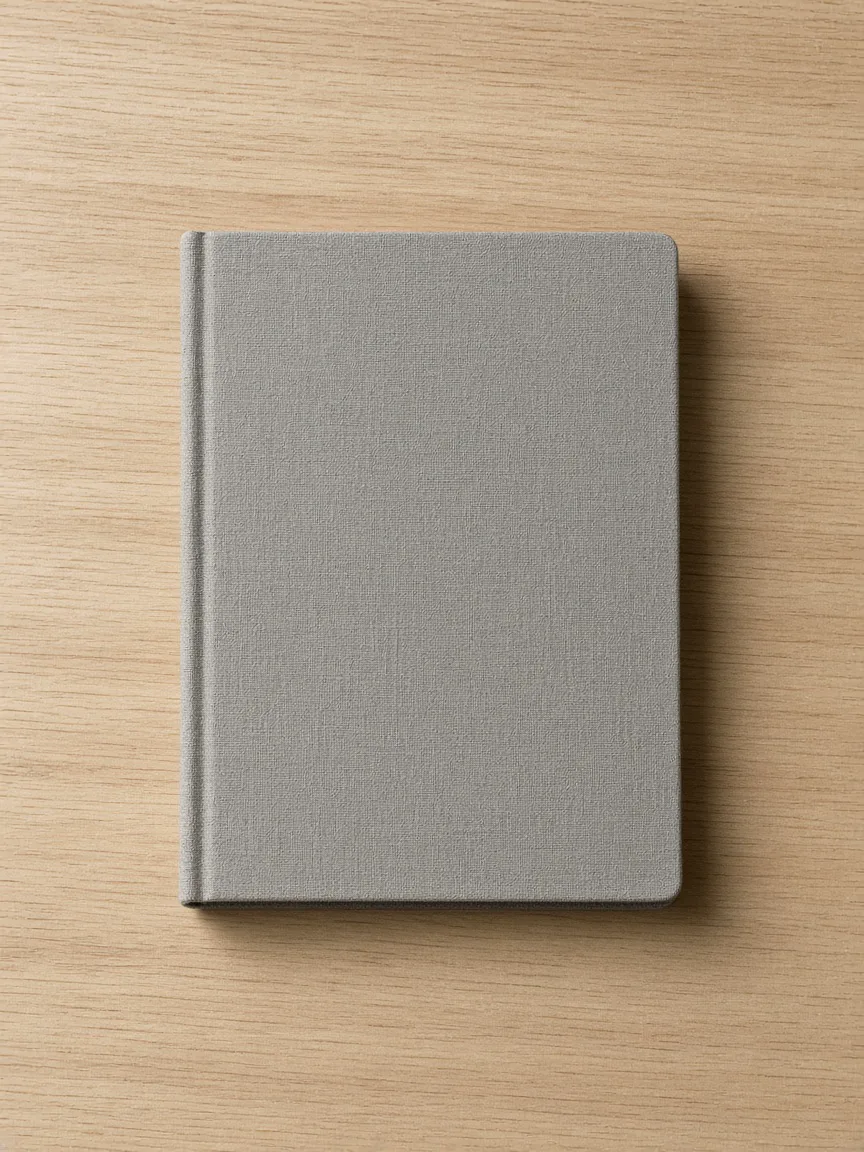
On King AI Fast, add a start frame and an end frame. A closed notebook and the same notebook open is one pair. Both frames are required for that mode. The magi-2 API’s video references are a different input, up to five clips of 2 to 30 seconds. King AI Pro keeps the end slot off.
Guide frames
Guide stills for MAGI-2 prompt ideas on this MAGI-2 AI video generator. The bicycle is a text subject, the mug is one start image, and the notebook is one frame of a pair.
These limits are quoted from Sand.ai’s 24 November 2026 MAGI-2 note and the API reference for magi-2.
The 5 August 2026 note calls MAGI-2 Preview an intermediate research release. The 24 November 2026 note launches MAGI-2 as the full-scale flagship.
The flagship MAGI-2 note describes references across images, video, and audio, up to 20 media items in one native request, capped at 10 images, 5 videos, and 5 audio clips. The magi-2 API lists those same reference types.
The same MAGI-2 note sets the length at up to 30 seconds of 1080p video at 25 fps, with native audio and six aspect ratios. The magi-2 API asks for a whole-second duration, a width:height aspect ratio, and 1080p, and it turns generateAudio on unless you set it off.
Write, attach, then keep
Write the action, set only the inputs the row shows, then watch the file before you download it from this MAGI-2 AI video generator.
Put the motion in the prompt. A bicycle crossing, a mug coming closer, or a notebook opening is enough for one clip. Stay inside 1,000 characters on the guest rows when the prompt is the only input.
Skip both slots for a text run. Add one JPEG or PNG to start the clip from that still. On Fast, add the end frame only when you want the clip to arrive there. Leave video and audio files off the guest rows.
Play the returned video once. Check that the action matches the sentence and that any uploaded frame is still recognizable. Download the MP4 from the result controls when it does. If it does not, change one input and generate again.
The name follows Sand.ai’s 24 November 2026 publication of MAGI-2, the flagship note after the MAGI-2 Preview research note of 5 August 2026. The API reference uses magi-2 on a request that returns a video address. The form runs the model name it is showing. https://sand.ai/blog/magi-2/ https://sand.ai/blog/magi-2-preview/ https://platform.sand.ai/docs/api-reference/
MAGI-2 Preview, dated 5 August 2026, is the intermediate research release. The 24 November 2026 note launches MAGI-2 as the full-scale flagship. That later MAGI-2 note is the one that describes up to 30 seconds of 1080p, 25 fps picture with native audio, and references made of images, video, and audio.
The magi-2 API requires exactly one text part, then allows reference images, videos, and audio. Leave the picture slots empty when the sentence is the whole input. Add one JPEG or PNG when the clip should open on that still.
The flagship MAGI-2 note allows up to 20 media items in one native request: 10 images, 5 videos, and 5 audio clips. The magi-2 API repeats those caps. Each reference video is 2 to 30 seconds, and the videos together stay within 30 seconds. Audio clips follow the same 2 to 30 second bound, five files, and 30 seconds combined. Images in that API include JPEG, PNG, WebP, BMP, TIFF, GIF, HEIC, and HEIF, each under 30,000,000 bytes.
The 24 November 2026 MAGI-2 note says generation goes up to 30 seconds at 1080p and 25 frames per second, across six aspect ratios. The magi-2 API requires duration as a whole number of seconds, an aspect ratio such as 16:9, and 1080p only.
The flagship MAGI-2 note describes native audio with the picture, including dialogue, foley, ambient sound, and music. In the magi-2 API, generateAudio defaults to true, and audio references are still accepted when that field is false. Those references are WAV or MP3, 2 to 30 seconds, up to five clips and 30 seconds combined, each under 15,000,000 bytes.
The magi-2 API allows one text part of up to 15,000 Unicode code points, inside a parts list of 1 to 21 items. Guest rows on the form accept 1 to 1,000 characters. If the box rejects the text, shorten it to the limit printed on the open row.
Creating a magi-2 generation returns an id. A later read can include a video address in output.videoUrl, and the magi-2 reference says that address lasts 60 minutes. Read the task again for a fresh address. On the form, use the download control on the result. The file there is an MP4.
The 24 November 2026 MAGI-2 note says extreme high-speed motion can leave trajectory or continuity artifacts, medium and wide 2D animation can look overly smooth in fine motion, and complex soundscapes still have room to be richer.
Use the download control on the result. The file is an MP4. Save it with the prompt, the model name the form showed, and the ratio and length you picked.
King AI Fast accepts that pair. Both frames are required, and they should show the same subject at two moments. King AI Pro does not offer the end frame. If the end slot is missing, stay with text or one picture.
This MAGI-2 video page is the general form: a prompt, an optional start image, and a Fast-only frame pair, then a file you can review and download. The Seedance page is for Seedance rows. The Kling video page is for the Kling rows. The MAGI-2 notes above are Sand.ai’s description of MAGI-2. The form opens on King AI Fast.