King AI images in ChatGPT
Make AI Images Without Leaving ChatGPT
Describe a picture in plain English, or add a reference photo, and AI image generator by KING AI turns it into a finished image right inside your ChatGPT conversation. Choose the model, aspect ratio, resolution, and number of images, check the credit total, and confirm only when you are ready.
- Text to image with GPT Image 2, Nano Banana, Seedream, Flux, and more
- Restyle a reference photo or keep a product or character consistent
- See the exact credit total before anything is charged
- Watch the finished image appear in the chat, ready to download
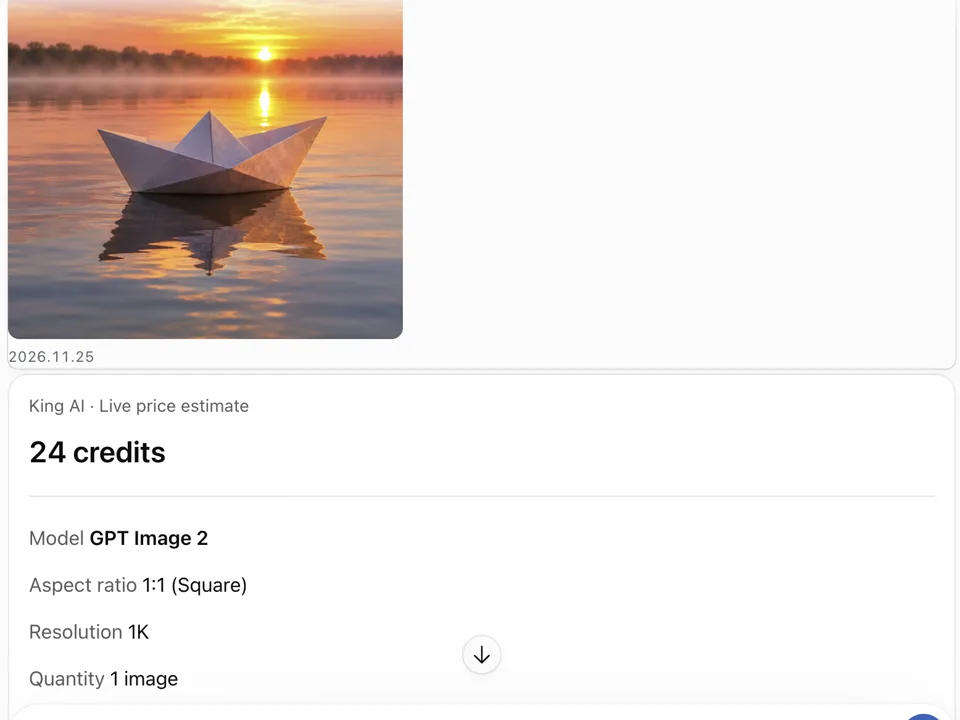
No subscription required. Generation uses the credits in your King AI account, and the card shows the total for your settings before you confirm. One square 1K GPT Image 2 image costs about 24 credits.
From a Chat Message to a Finished Image
Three steps
The plugin never spends credits on its own. ChatGPT prepares the settings, and you confirm the generation yourself in the King AI card.
- 1
Connect Your King AI Account
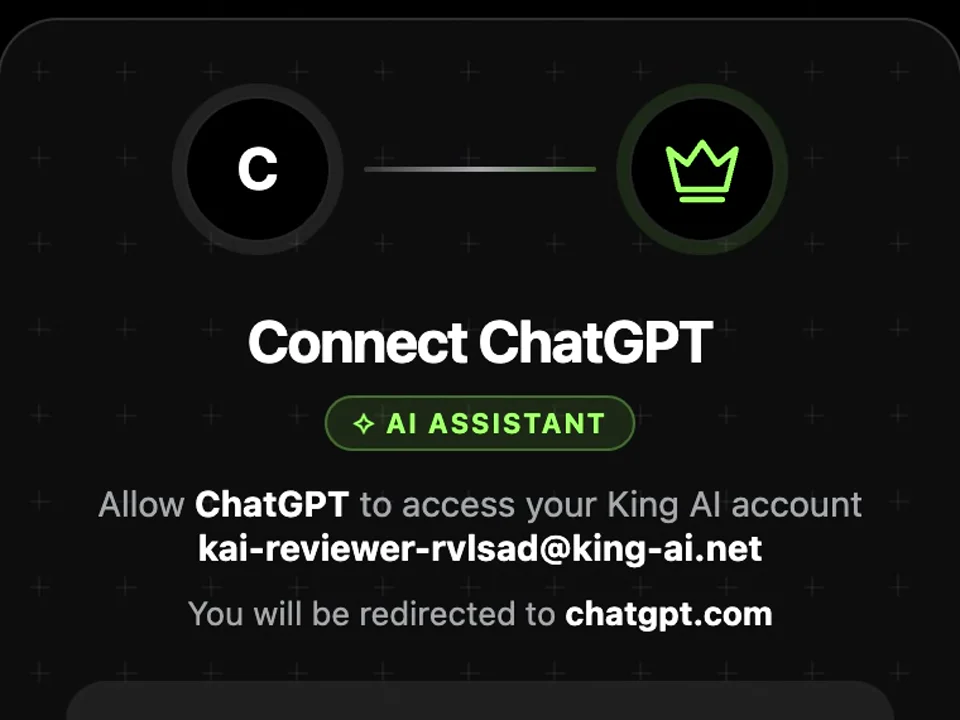
In ChatGPT, type @AI image generator by KING AI or add it from the plugin directory, then sign in to King AI once and click Connect.
- 2
Describe It and Check the Total
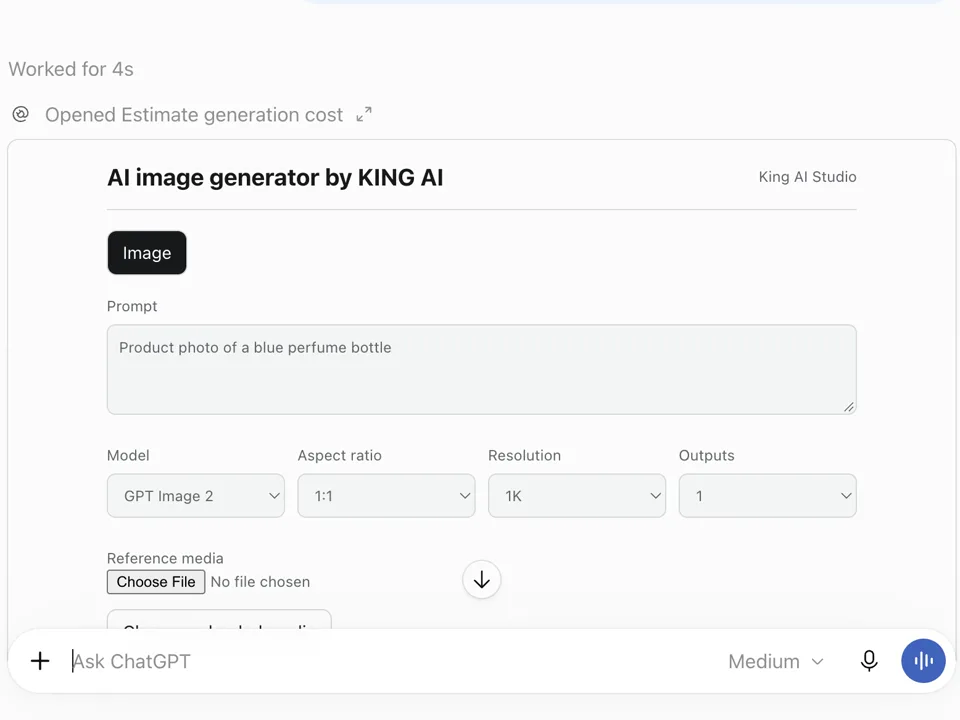
Ask for an image in your own words. The King AI card fills in the prompt, model, aspect ratio, resolution, and number of images, and shows the credit total. Change any setting before you go on.
- 3
Confirm and Get Your Image
Click Generate in the card once. The card shows progress, then the finished image appears in place with download and open-original buttons.
Made with King AI
Ideas to Ask For
Images made with King AI image models. The paper boat is the exact request from our ChatGPT test; the others pair an image with a request in the same spirit that you can send to the plugin.
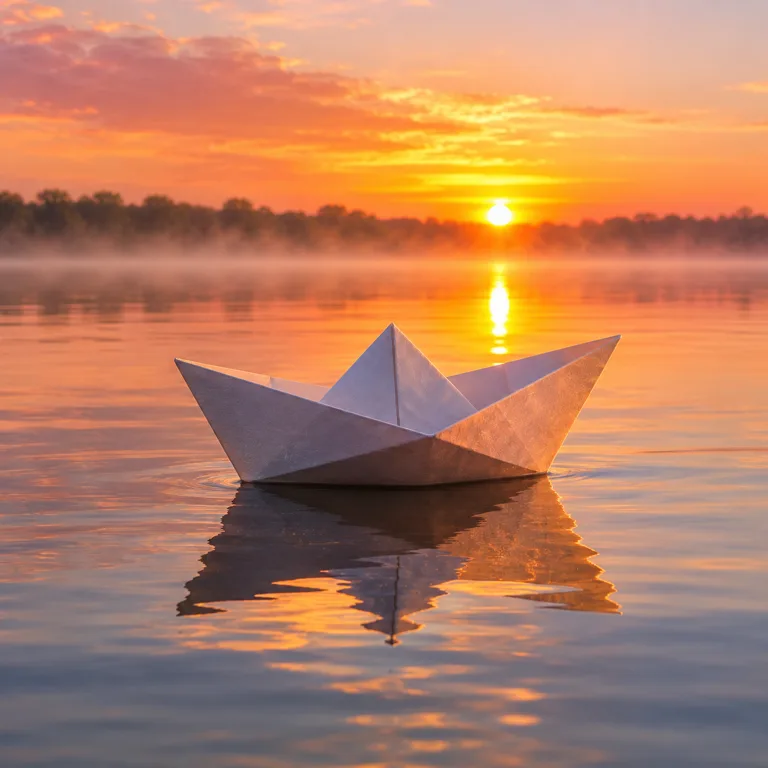
Paper Boat at Sunrise
Try asking
“Make one square 1K GPT Image 2 picture of a paper boat on still water at sunrise.”
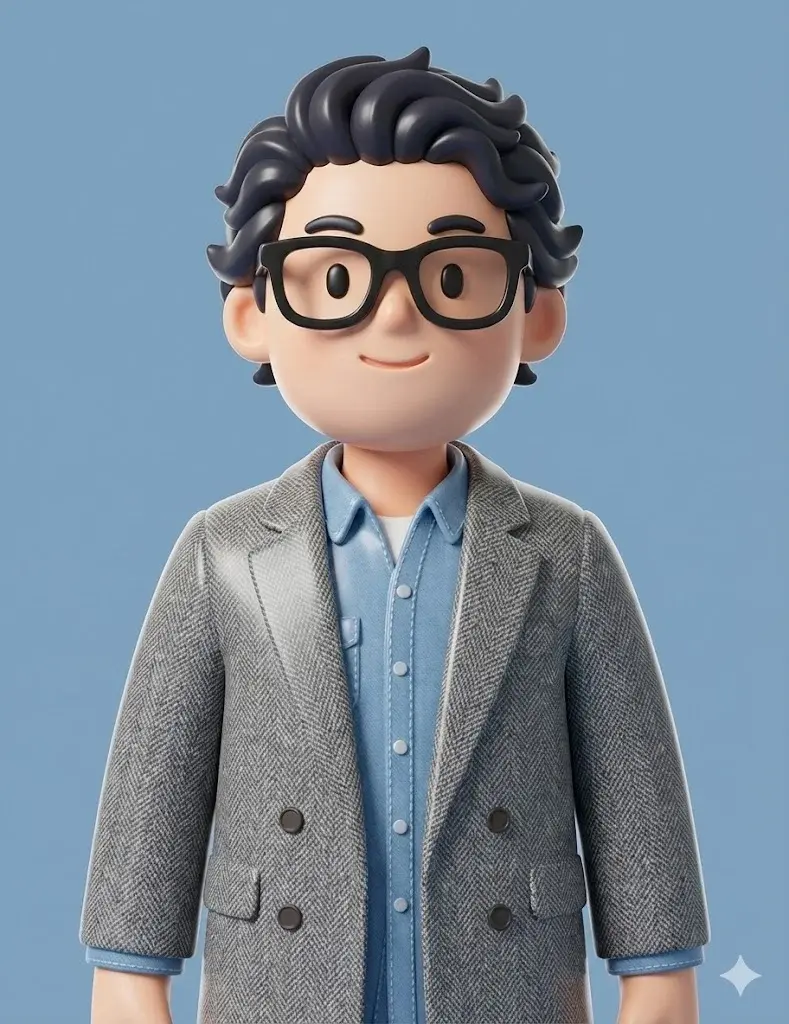
3D Character Avatar
Try asking
“Turn my portrait into a friendly 3D cartoon avatar with big glasses and a gray blazer on a soft blue background.”
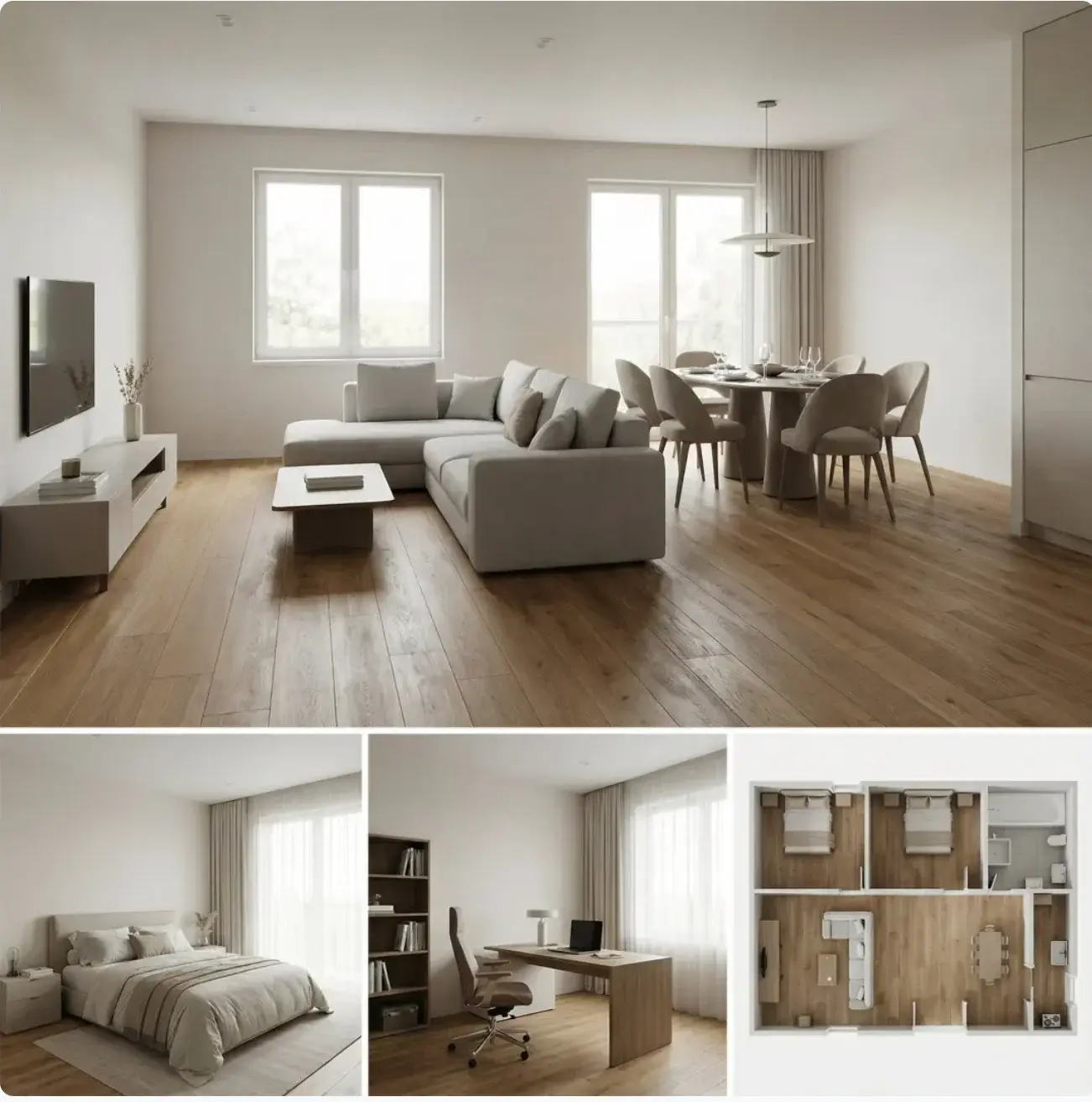
Interior Design Board
Try asking
“Design a bright Scandinavian living room with a gray sofa and oak floors, plus a small floor plan, as one presentation board.”
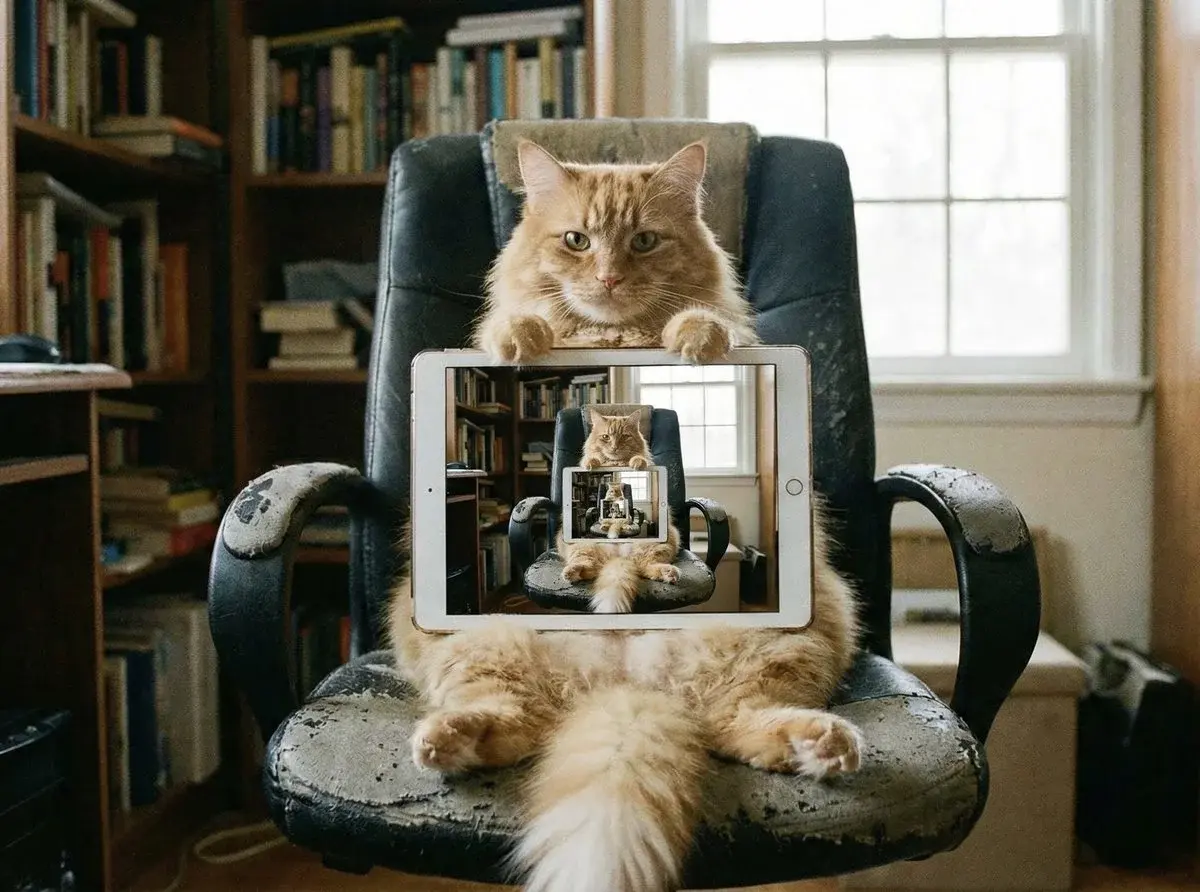
Playful Pet Scene
Try asking
“Create a funny photo of a fluffy ginger cat on an office chair holding a tablet that shows the same scene inside it.”
Prompt tips
Get Better Images on the First Try
Describe the shot, not just the subject
Name the subject, the setting, the light, the camera angle, and the style. "A cobalt-blue perfume bottle on pale stone, soft window light, close-up, no text" beats "a perfume bottle".
A ceramic coffee mug on a walnut table, morning window light, shallow depth of field, square, no text.
Add a photo to keep the look
Attach a product shot or portrait in the King AI card and say what should change and what must stay the same. The model keeps the shape, label, or face from your photo.
Use my photo. Keep the bottle shape and label unchanged; place it on wet black rocks with dramatic side light.
Keep text short and leave room
Long words, prices, and links are not reliable in AI images. Ask for clean empty space and add final text in an editor, or keep any text to one to three large words.
Minimal poster of a lighthouse at dusk. Leave clean empty space in the top third for a title. No other text.
Test small, then go big
Try one 1K image first to check the idea, then ask for the same picture at 2K or 4K, or for more variations, once it looks right.
Same picture as before, but 4K and two variations. Keep everything else the same.
How do I make AI images in ChatGPT with King AI?
Connect AI image generator by KING AI in ChatGPT, then describe the image you want, for example "Make a square product photo of a blue perfume bottle". The King AI card shows the settings and the credit total. Click Generate in the card, and the finished image appears in the same card.
Do I need a subscription to use the plugin?
No. The plugin uses the credits in your King AI account. You can top up with a subscription or a one-time credit pack on king-ai.net. The plugin itself never sells credits or charges a saved card.
How much does one image cost?
It depends on the model, resolution, and number of images. The card always shows the total before you confirm. For example, one square 1K GPT Image 2 image costs about 24 credits.
Which image models can I use from ChatGPT?
Models include GPT Image 2, Nano Banana 2, Nano Banana Pro, Seedream 5 Pro, Qwen Image 3, Qwen Image 3 Pro, Flux 2 Pro, Flux 2 Flex, and Grok Imagine Image 2, with resolutions up to 4K on some models. Ask the plugin to list models to see what is available right now.
Can I edit or restyle my own photo?
Yes. Add a reference photo in the King AI card and describe what should change and what should stay the same. Models that support image references keep the subject from your photo.
Will ChatGPT spend my credits without asking?
No. ChatGPT can only prepare a plan and show the total. A generation starts only when you click Generate in the card, and each confirmation creates exactly one task.
Can this plugin make videos?
No. AI image generator by KING AI creates still images only. For short videos, use the separate AI Video Generator King plugin.
How do I disconnect the plugin?
In ChatGPT, open Settings, find AI image generator by KING AI under your connected apps, and disconnect it. Signing out of King AI also ends the connection. Your images stay in My Images on king-ai.net.
What data does the plugin use?
Only what it needs to generate: your prompt, the settings you choose, any reference images you add, and your King AI account to check credits and save results. See the King AI privacy policy for details.