PixAI Art Generator for Anime Characters
Design anime and illustration characters, then bring them to life in the King AI workspace. Free options are limited; standard models need credits.
Local generation history
Design the Character, Then Let It Move
Build a PixAI Art Character From Sketch Idea to Motion
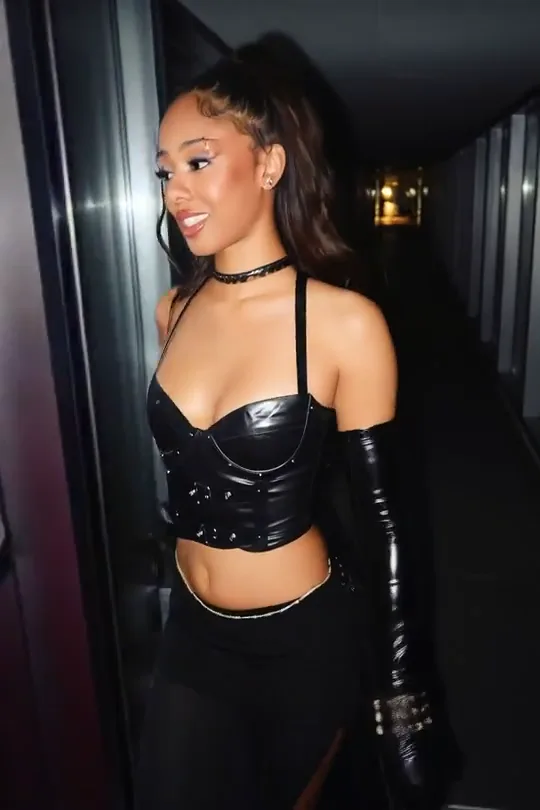
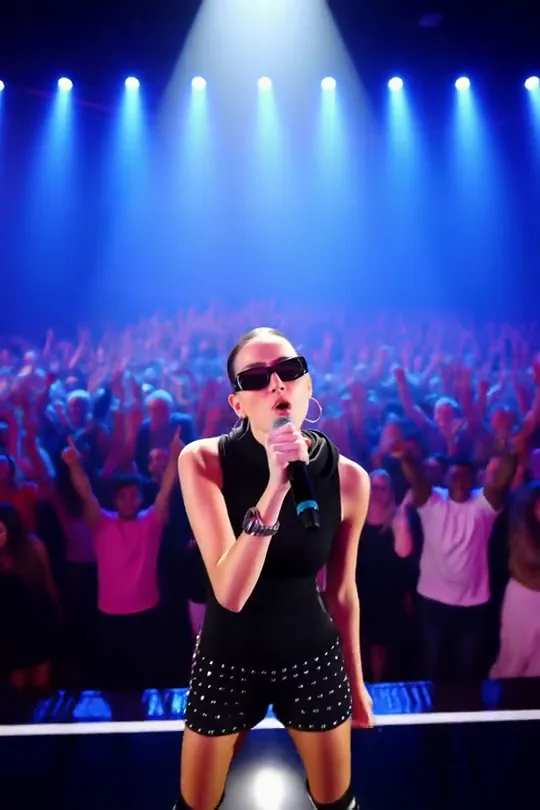
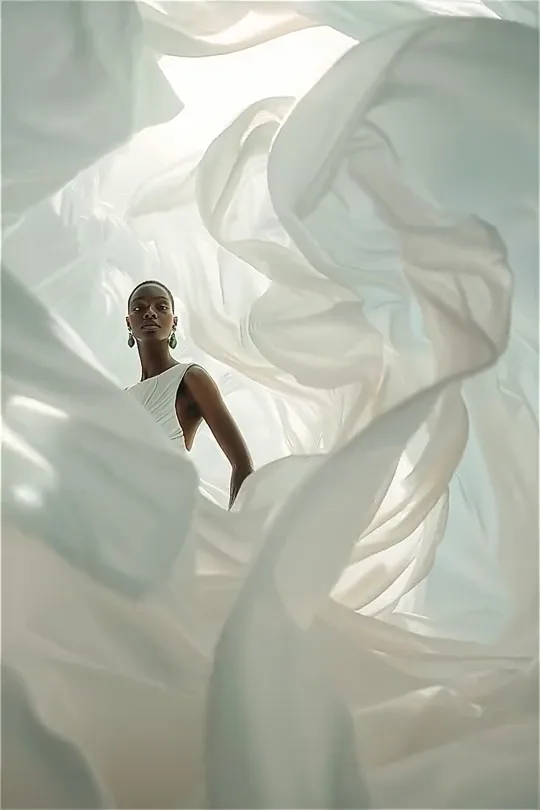
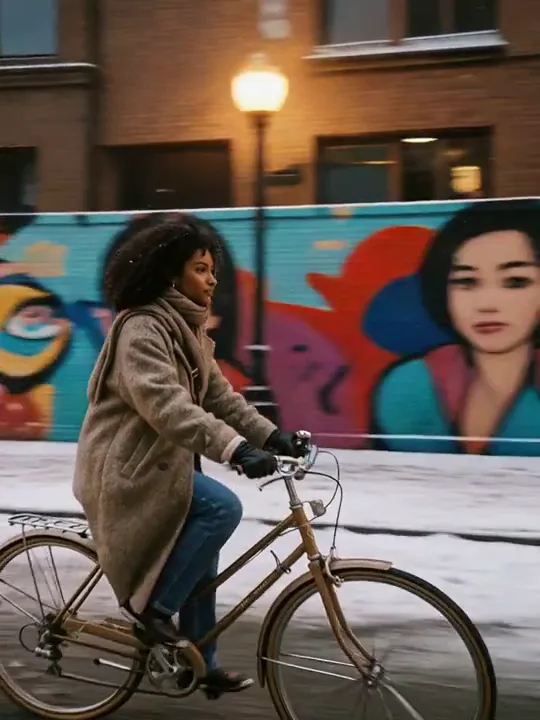
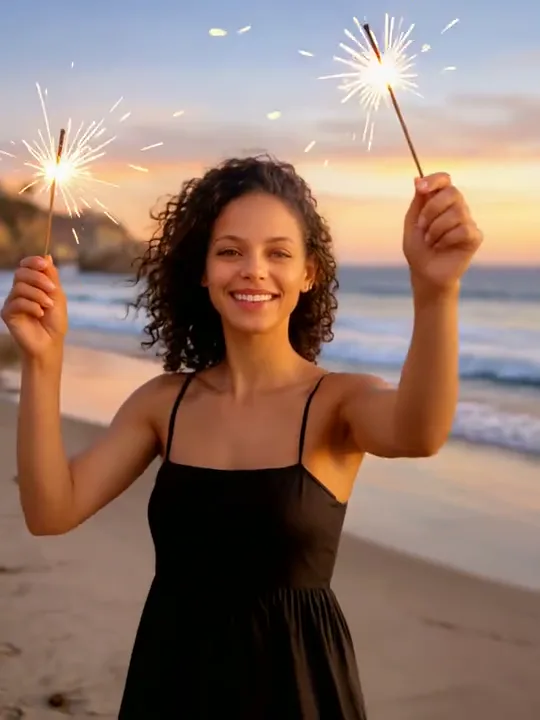
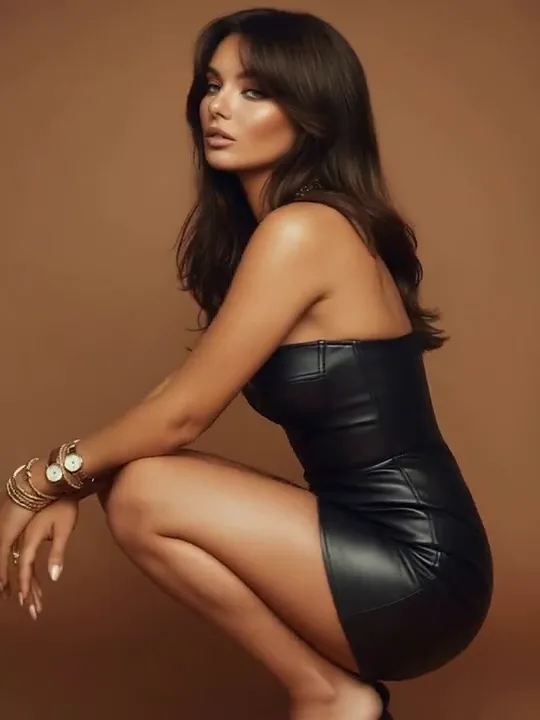
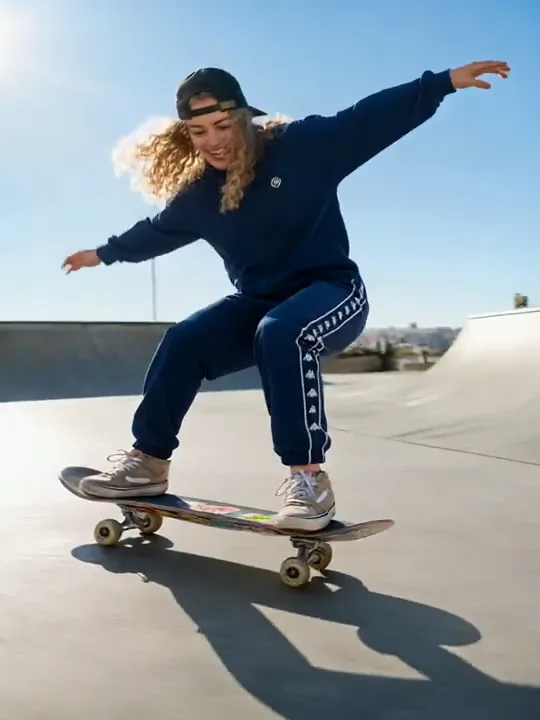
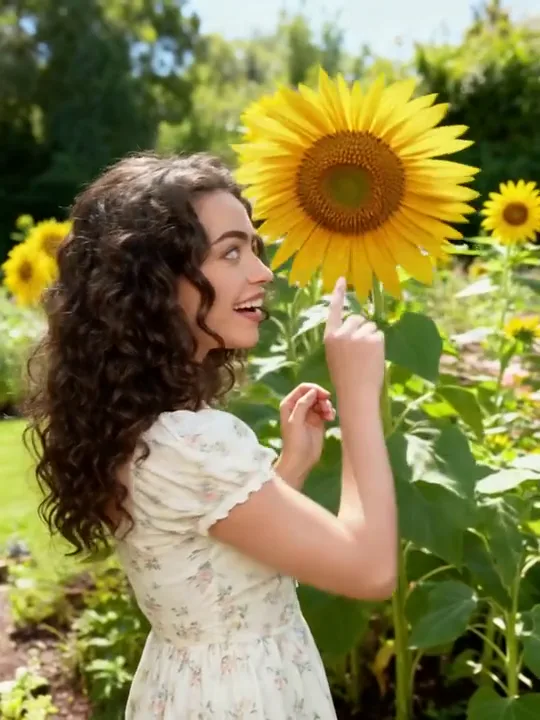
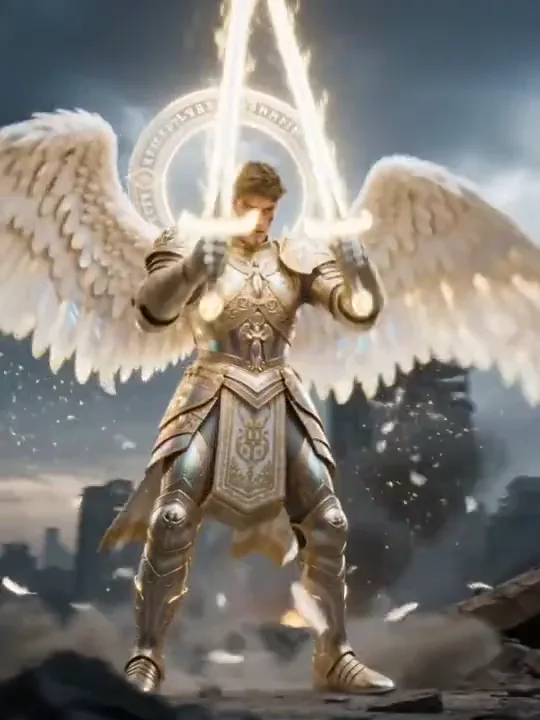
Three stages for PixAI Art style anime and illustration characters in the King AI workspace. These images are illustrative concepts, not recorded generator results.
Give Your Character a Signature Look
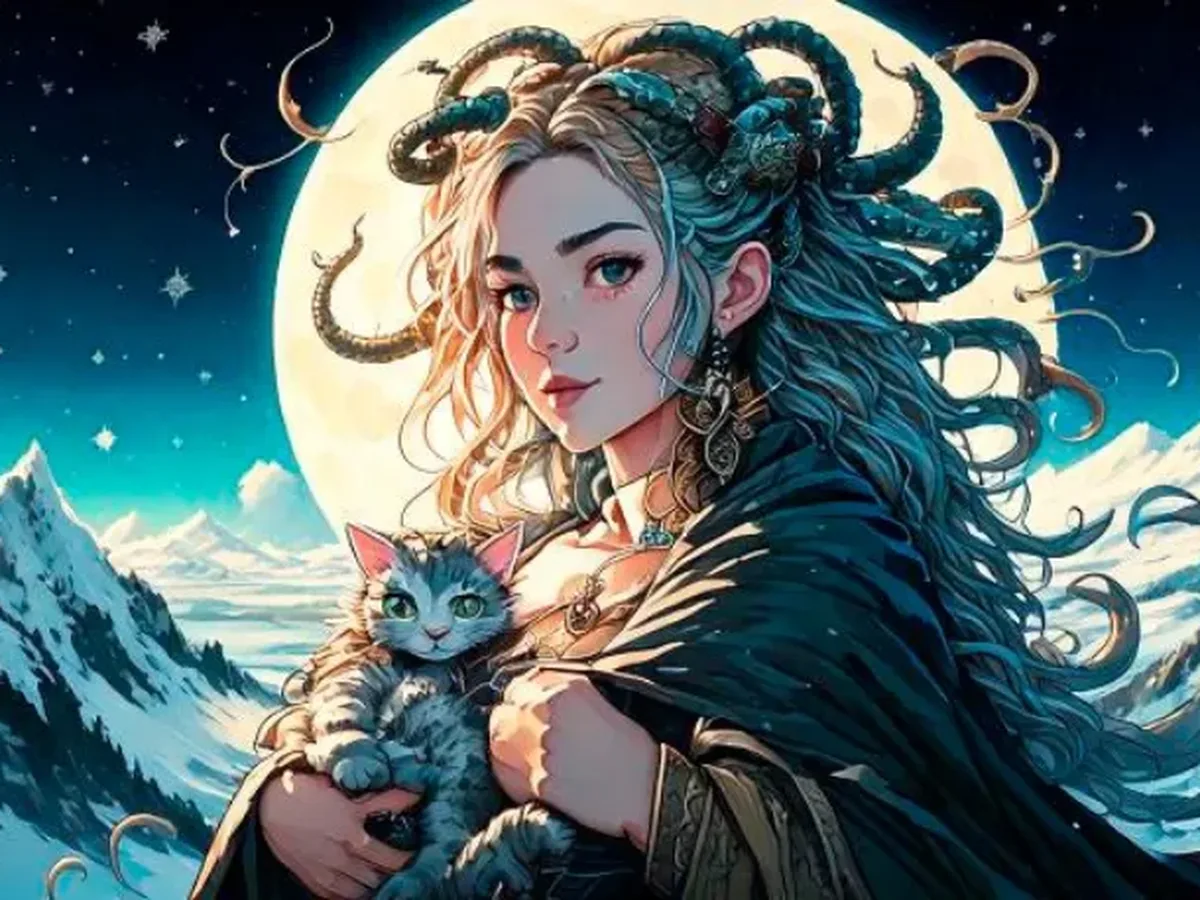
Strong PixAI Art characters are recognizable from a single glance. Pick two or three signature details, such as sea-green hair, a dark cloak, and a cat companion, and repeat them in every prompt. Set the character against a simple backdrop like a full moon so the silhouette and colors stay the focus of the PixAI Art image.
- Two or three signature details
- A clear silhouette
- A backdrop that supports, not competes
Test Expressions Before You Commit
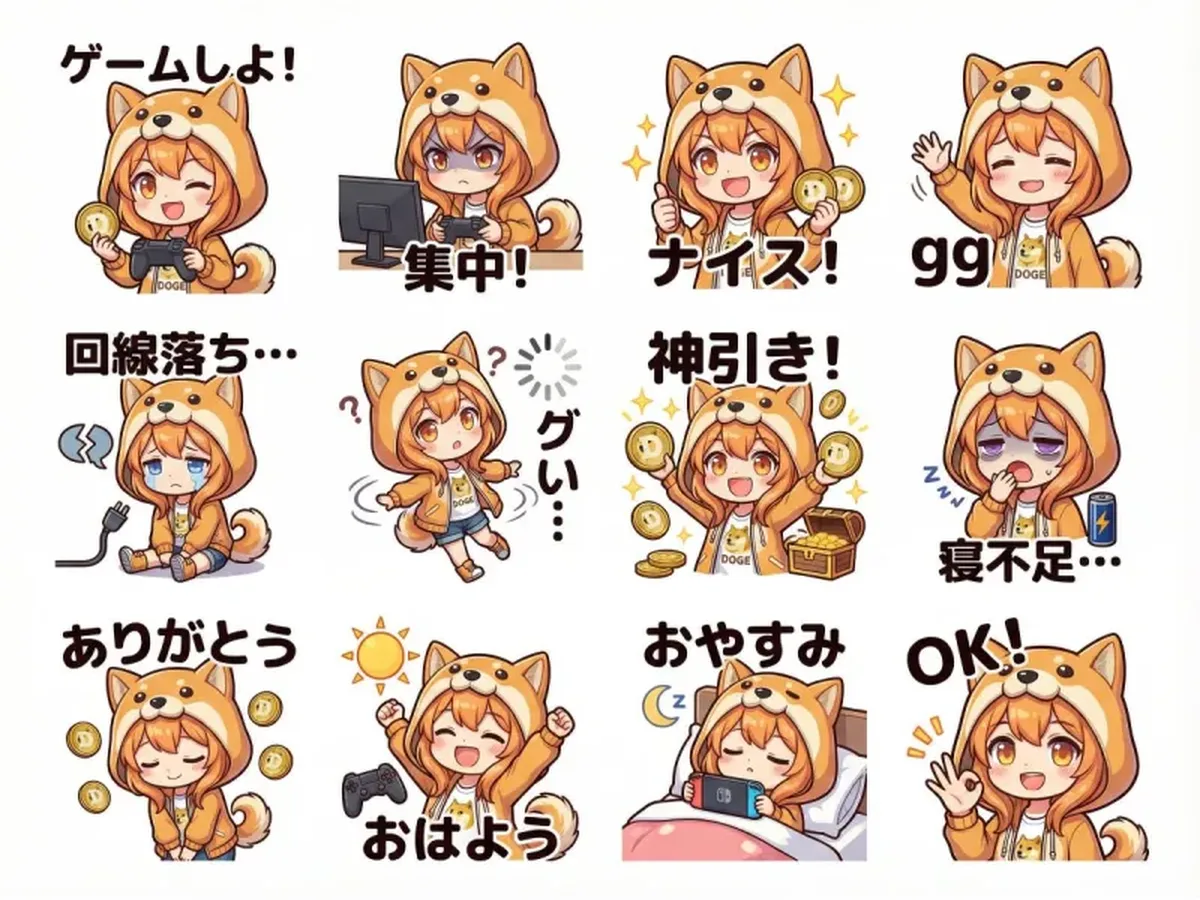
An expression sheet shows whether a design holds together. Keep the outfit and hair description fixed, then change only the emotion: cheerful, sleepy, focused, surprised. If the PixAI Art character still looks like the same person across a dozen faces, the design is stable enough for longer scenes and motion. Save that PixAI Art sheet as your reference.
- Fixed outfit and hair
- One emotion per image
- Check consistency side by side
Prepare a Pose That Wants to Move
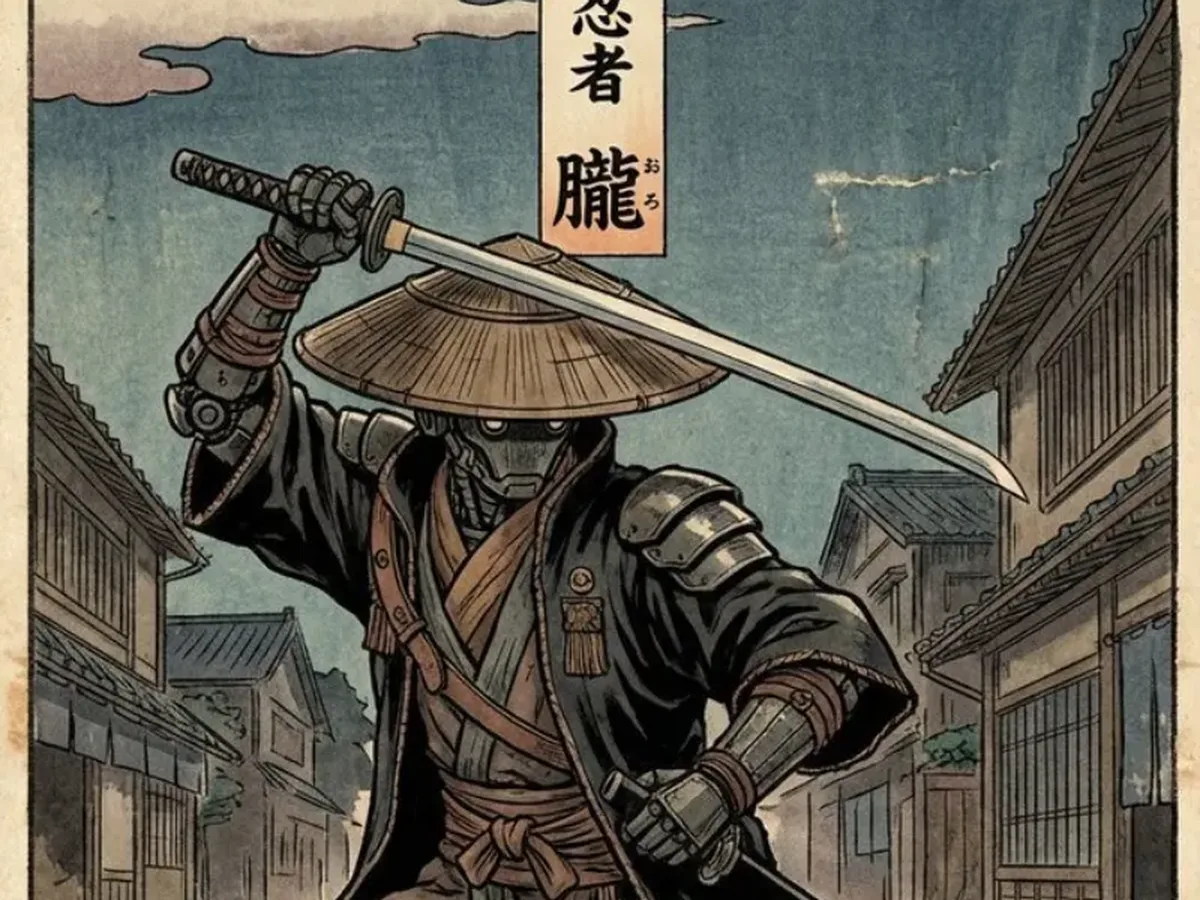
Some frames are made for motion. A swordsman mid-stance, cloak swinging and blade raised, already suggests the next second of action. Choose a PixAI Art anime still with a pose like this, then hand it to image to video and describe one small movement. The pose does half of the animation work for you.
- A pose with built-in direction
- Room around the figure
- One motion instruction
A PixAI Art Workflow for Characters That Last
Use the King AI image and video tools to design an anime character once and reuse it across stills and clips.
Character Notes as a Style Guide
Keep a short character card: name, age range, hair, eyes, outfit, and one prop. Paste that card at the start of every PixAI Art prompt and add the scene after it. A stable card is what keeps a PixAI Art character from drifting between images.
Anime Styles Named Precisely
Anime covers many looks. Cel-shaded TV style, soft watercolor illustration, chibi sticker art, and ink-heavy manga each read differently. Name the one you want in plain words. A precise PixAI Art style line gives cleaner linework than a general request for anime, and it makes a PixAI anime look easier to repeat next week.
From Illustration to Short Clip
Once a still feels finished, switch to image to video and describe a single gentle motion: hair lifting in wind, a blink and a smile, a slow push toward the face. Keep PixAI Art motion modest so the line art and proportions survive the move. A two-second PixAI Art loop is often enough for a profile or a post.
Take a PixAI Art Character From Prompt to Animated Clip
Character Pipeline
Design, refine, and animate in separate passes so each decision is easy to revise.
- 1
Write the Character Card
Choose image mode and describe your PixAI Art character with a fixed card of hair, eyes, outfit, and prop, followed by a pose and a backdrop. Pick the aspect ratio now; a tall frame suits full-body art, a square suits portraits.
- 2
Refine Expressions and Poses
Generate a few PixAI Art versions, changing only emotion or pose each time. Keep the PixAI Art image where the face and outfit stay consistent. Check the displayed allowance first; free access is limited and standard models can need an account or credits.
- 3
Animate the Strongest Still
Switch to image to video, upload the chosen PixAI Art still, and describe one movement. Watch the clip to the last frame, check hands and hair edges, and download the take where the PixAI Art character still looks like your design.
Can I make PixAI Art style anime images for free?
The King AI workspace offers a limited free image option for a first PixAI Art test with no sign-in required. Think of it as a quick PixAI Art generator sandbox for trying a character idea. Check the allowance and settings shown before you submit. Standard models can require an account or credits, and free access may not include every option. A more detailed PixAI Art prompt does not change those limits.
How do I keep a PixAI Art character consistent?
Reuse the same character card word for word in every prompt and change only one thing per image, such as the pose or the emotion. Keep two or three signature details that are easy to spot. When a PixAI Art result drifts, compare it with your best image and trim any new words that crept into the description.
What should a PixAI Art anime prompt include?
Start with the character card, then the action, the setting, the lighting, and finally the style. For example: a young mage with silver braids and a blue scarf, reading a glowing book in a library at night, warm lamp light, soft cel-shaded anime illustration. That order helps a PixAI Art prompt stay focused on the character first. If the scene starts to dominate, shorten the setting and lighting lines before touching the character card.
Which anime styles work well for PixAI Art images?
Cel-shaded TV anime, watercolor illustration, chibi stickers, manga ink with screentone, and painterly fantasy covers all work well when named clearly. Choose one style per prompt. Mixing several in one PixAI Art request tends to blur the linework and makes it harder to reproduce the look later.
Can I turn a PixAI Art illustration into a video?
Yes. Use image to video in the King AI workspace, upload the finished still, and describe one motion such as a head turn, falling petals, or a slow zoom. Start with short, calm movement. A PixAI Art illustration with clean outlines and a simple background usually animates with fewer artifacts.
How do I make an expression sheet in the PixAI Art style?
Generate each expression as its own image with the same card, framing, and background, changing only the emotion word. Then arrange the PixAI Art results in a grid in any editor. Separate PixAI Art images give you more control than asking for twelve faces at once, which often produces uneven sizes and mismatched details.
Why do hands and accessories change between PixAI Art images?
Small details are the hardest parts to repeat. Describe them plainly, keep them visible in the pose, and avoid adding new props mid-series. If a sword or bracelet keeps changing, crop it out of frame or simplify it. Check those areas first whenever you review a new PixAI Art draft, because they are also the first things to wobble once the image starts moving in a clip.
Which aspect ratio suits PixAI Art character art?
Use a tall ratio for full-body designs and phone wallpapers, a square ratio for avatars and icons, and a wide ratio for scenes with a background story. Pick it before you generate, because a PixAI Art pose composed for a wide frame can lose the feet or head when cropped tall.
Can I use photos of real people for PixAI Art characters?
Only upload images you have the right to use, and get permission before transforming a recognizable person. Original characters avoid most of these questions. Describe your own PixAI Art designs instead of copying protected characters, logos, or the signature style of another artist. An original PixAI anime hero is also easier to reuse in comics, stickers, and short clips.
Which settings are available for PixAI Art style work here?
The King AI workspace sets the models, aspect ratios, durations, and other controls for each mode, and they can differ between free and standard access. Check them directly before a PixAI Art session. Character cards, style names, and motion instructions all live in your prompt rather than a separate preset.
What if a PixAI Art generation fails or stalls?
Read the workspace message first. A quota notice or busy service is not a problem with your character. Save your character card and last PixAI Art prompt locally, use the recovery controls shown, and avoid resubmitting the same request over and over. More detail will not fix a capacity limit.
How do I export and organize PixAI Art results?
Download the images and clips you keep, then store them with the character card and the exact prompt in one folder per character. Name files by pose or emotion. A tidy PixAI Art archive makes it easy to return months later and add new scenes that still match the original design.