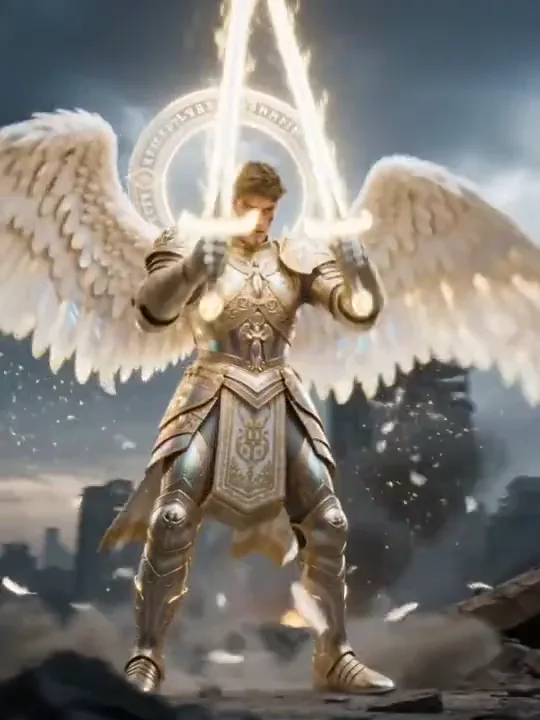
Picsart AI Image Generator and Photo Remix
Start from a prompt or a photo you own, generate a fresh image, then animate it in the King AI workspace. Free options are limited; standard models need an account.
Local generation history
From a Photo to a New Picture in Motion
Reimagine One Photo With Picsart AI Style Generation
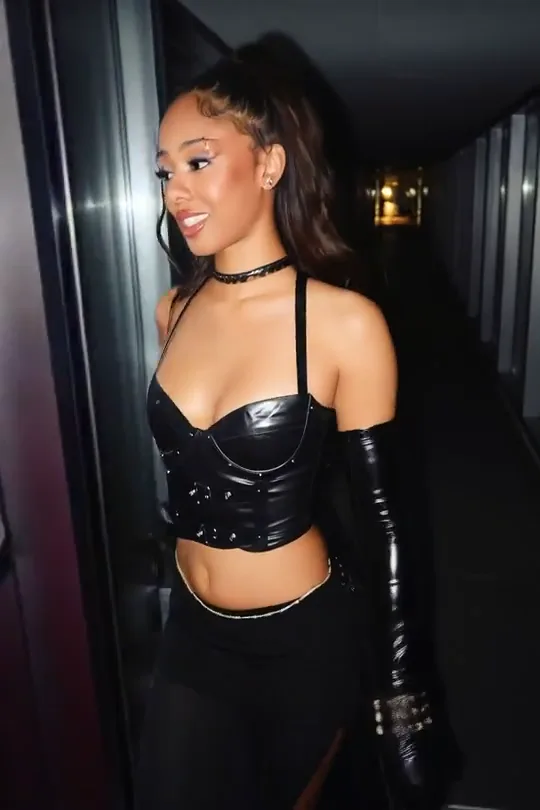
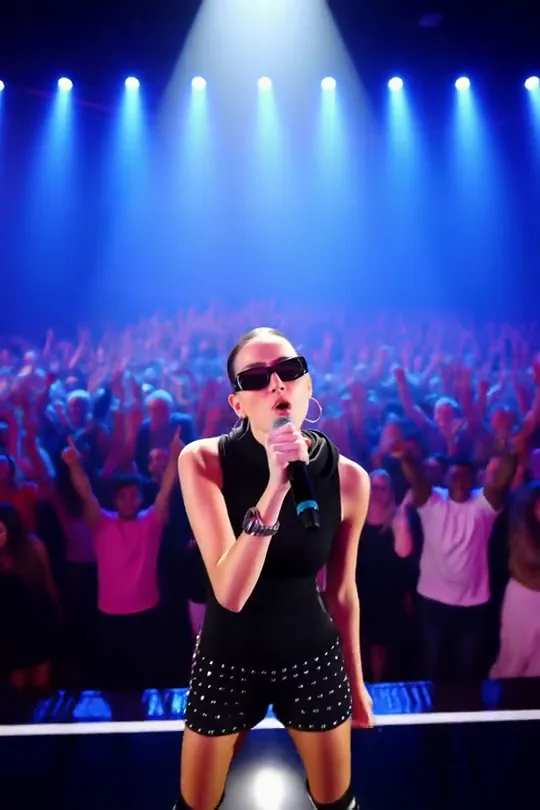
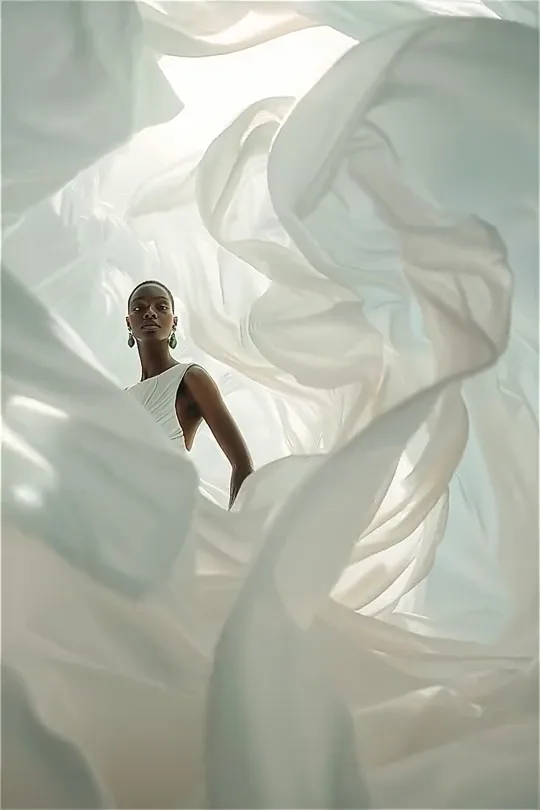
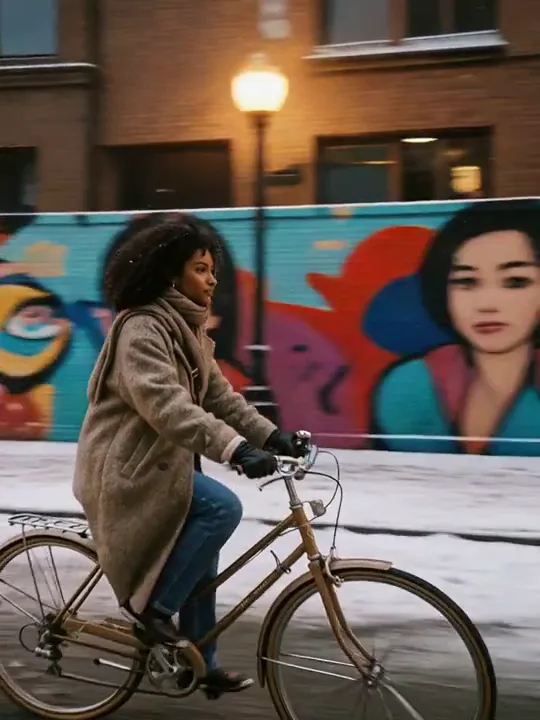
Three stages for turning a source photo or prompt into a new image and a short clip in the King AI workspace. These images are illustrative concepts, not recorded generator results.
Pick a Photo With a Clear Subject
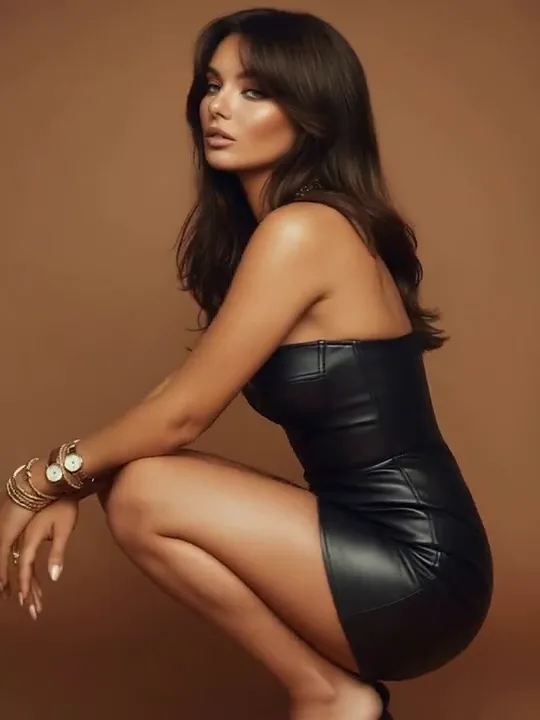
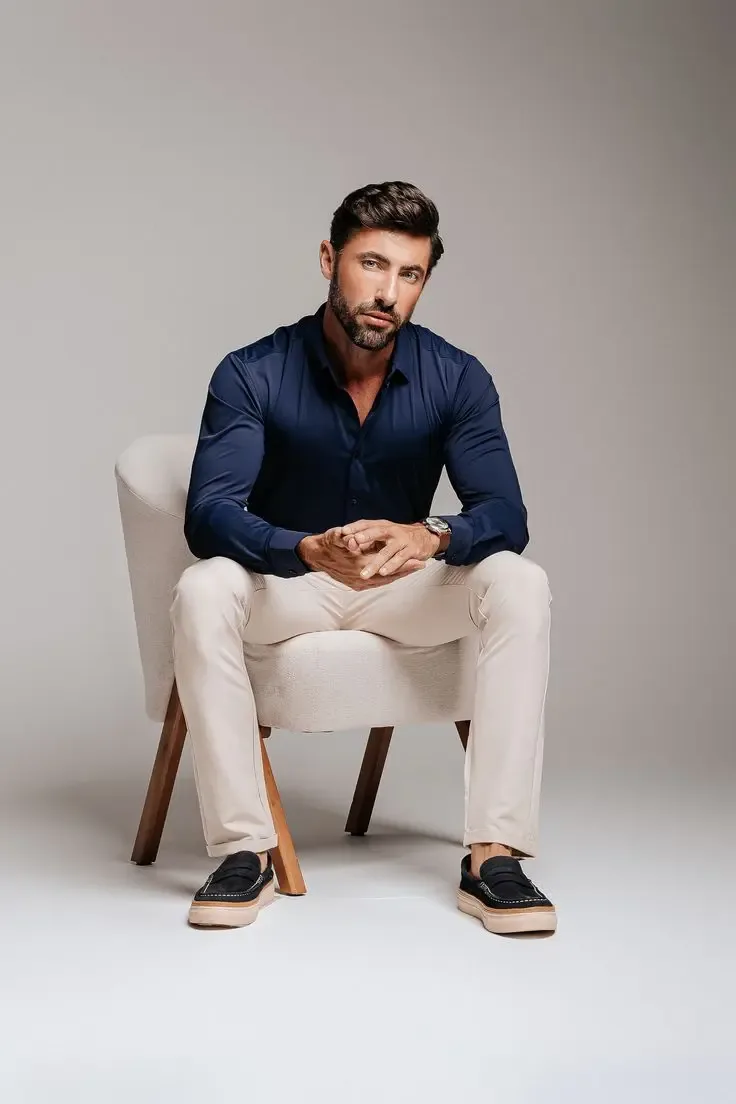
Picsart AI style generation starts from a reference, and a clean one matters more than a dramatic one. This studio portrait works because the pose is readable, the background is plain, and the light is even. Choose a Picsart AI source photo you own, with one subject and no clutter, and describe what should stay the same.
- One subject, fully in frame
- Plain background, even light
- A photo you have rights to
Generate a Fresh Version, Not an Edit
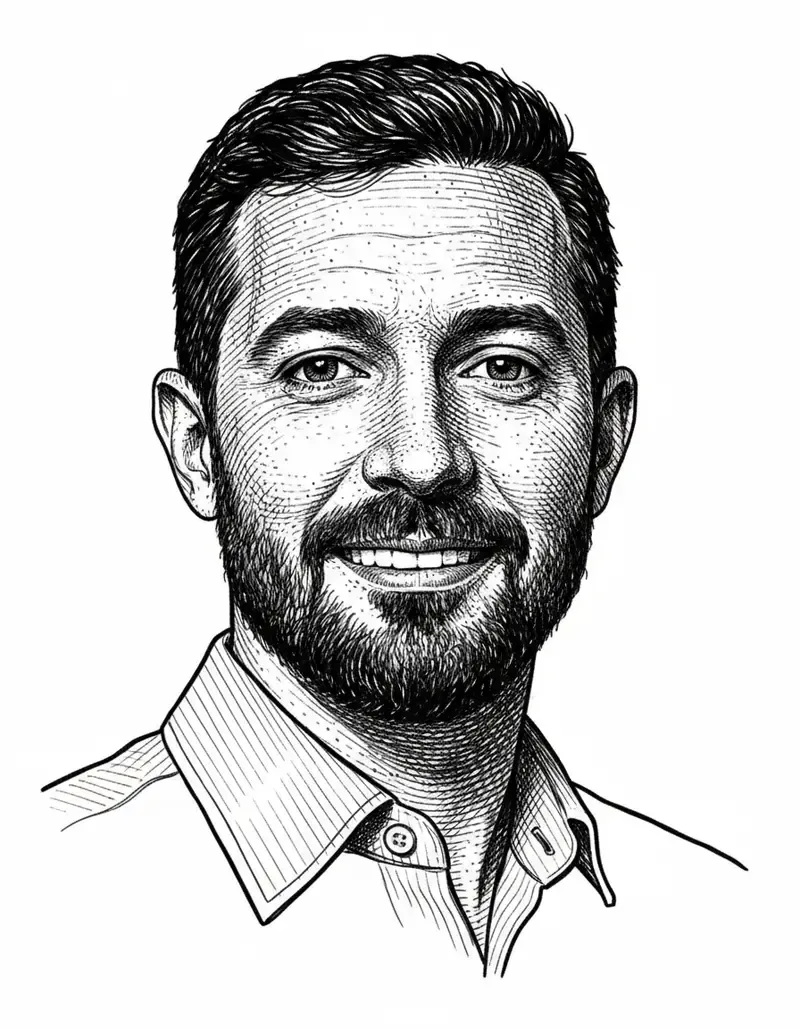
A Picsart AI remix here is a new image generated from your prompt and reference, not a retouch of the original pixels. Name the target style plainly, such as pen-and-ink engraving, watercolor, or clay figure, and say what must carry over. Each Picsart AI result is a fresh interpretation, so compare several before choosing one.
- Name one target style
- List what must carry over
- Compare a few versions
Turn the Chosen Image Into a Short Clip
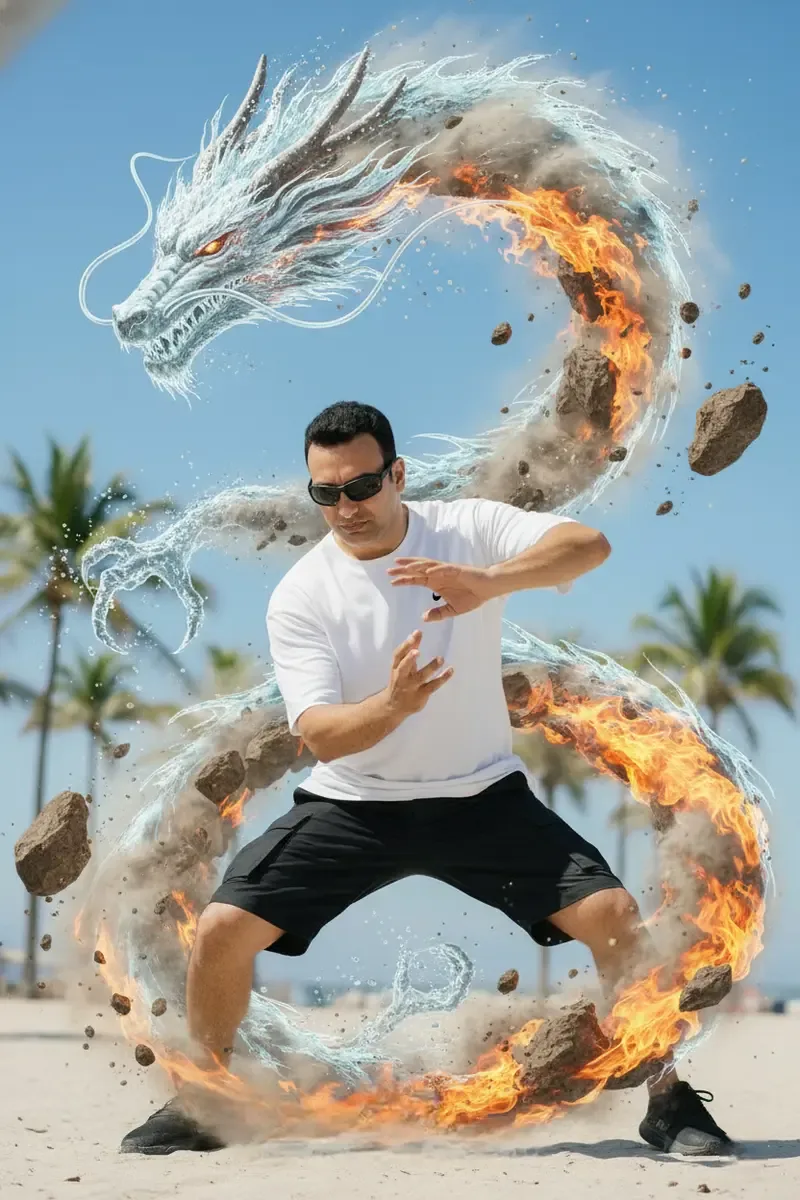
When a Picsart AI still is ready, image to video can add a few seconds of movement: smoke curling, hair lifting, a slow push toward the subject. Treat the Picsart AI image as the first frame and describe one motion. A short Picsart AI clip with a single clear action holds together better than a long one full of effects.
- Use the still as the first frame
- Describe one motion only
- Watch it through to the end
A Picsart AI Workflow for Creating, Not Retouching
King AI generates new images and clips from prompts and references. It has no layers, filters, or cutout tools, so the workflow is built around clear instructions and careful selection.
Prompt or Photo as the Starting Point
Begin a Picsart AI idea with text alone, or add a reference photo when the model you select supports one. The prompt sets the style and scene; the reference guides pose, layout, or subject. Writing both clearly gives the Picsart AI generator fewer things to guess.
Style Changes Described in Words
Instead of sliders and filters, you change a Picsart AI image by rewriting the prompt: a different medium, a new color palette, another time of day. Change one element per attempt so you can see which words moved the result, and keep the Picsart AI prompt that worked.
One Path From Still to Clip
The same workspace covers image mode and video mode, so a Picsart AI still can go straight into image to video without leaving the page. Settle the picture first, then add motion. That order keeps the Picsart AI clip anchored to a frame you already like.
Take a Picsart AI Idea From Photo to Short Clip
Reference, Remix, Move
Keep the source, the new style, and the motion as separate decisions so each attempt tests one change.
- 1
Add a Prompt or Reference Photo
Open image mode, describe the Picsart AI scene, and upload a photo you own if the selected model accepts references. Pick the aspect ratio now, since a Picsart AI portrait and a wide banner need different framing.
- 2
Generate and Choose a New Style
Name the target Picsart AI look and what should stay recognizable. Compare the Picsart AI results at the same size and keep the one where the subject still reads clearly. Check the allowance shown before you submit; free access is limited.
- 3
Animate and Download
Switch to video mode, use the chosen still for image to video, and describe one movement. Watch each Picsart AI clip to the last frame, then download the version that holds together and save its prompt beside it.
Can I use a Picsart AI image generator style tool for free?
The King AI workspace has free image and video options you can use for a first Picsart AI experiment. The free allowance is limited, and standard models need an account or credits. Check the allowance and settings shown before you submit; a longer Picsart AI prompt does not unlock paid models or extra attempts.
Can I edit my photo with layers, filters, or cutouts here?
No. King AI is a generator, not a photo editor, so there are no layers, filters, erasers, or background removal tools in this workflow. A Picsart AI remix here means generating a new image guided by your prompt and reference. For pixel-level retouching, finish the file in your usual editing app after you download it. Inside King AI, the Picsart AI workflow stays simple: describe, generate, compare, and keep the best version.
How do I write a Picsart AI prompt for a new style?
Describe three things in order: the subject, the target style, and what must carry over. For example: the same man seated on an armchair, drawn as a detailed pen-and-ink engraving, keep the pose and the beard. A Picsart AI prompt in that shape is easy to revise, because you can swap the style line without touching the rest.
Will a Picsart AI remix look exactly like my original photo?
Not exactly. The reference guides the result, but every Picsart AI image is newly generated, so faces, hands, and small details can change. If likeness matters in a Picsart AI portrait, use a clear, well-lit photo, ask for fewer stylistic changes, and compare several results. Only use photos of people who have agreed to it.
Can a Picsart AI image become a short video?
Yes. Choose video mode, use your image for image to video, and describe one motion, such as a slow push-in or hair moving in wind. The workspace also offers text to video and first-and-last-frame options. Keep the Picsart AI video short and the action simple so the subject stays stable.
What makes a good Picsart AI reference photo?
A single subject, a plain or simple background, even lighting, and enough resolution to see the details you want to keep. Busy scenes and heavy shadows give the Picsart AI generator more to misread. A good Picsart AI reference is one you own or have permission to use, with the subject fully in frame.
Which styles work well for Picsart AI portraits?
Styles with strong, well-known visual rules tend to come out cleanly: ink engraving, watercolor, oil painting, comic line art, clay figure, or a moody film still. Name one style per Picsart AI attempt rather than mixing several. Blended requests often land in between and lose the character that made each style appealing.
Can I make Picsart AI images from text alone?
Yes. Image mode works as a Picsart AI image generator without a reference: describe the subject, setting, light, style, and aspect ratio. Text-only Picsart AI generation is useful for exploring ideas quickly. Once you find a look you like, you can use that image as the starting frame for a clip or as a reference for the next round.
How do I keep a Picsart AI clip from warping?
Start the Picsart AI video from a sharp still with the subject centered and not cropped at the edges. Ask for one modest motion, avoid adding new objects mid-clip, and keep the duration short. Then watch the Picsart AI result around faces, hands, and fine lines, where distortion usually shows up first.
Which Picsart AI style settings are available here?
The King AI workspace sets the models, reference limits, durations, and aspect ratios for each mode, and options can differ between image, video, free, and standard workflows. Check the controls shown when you prepare a Picsart AI attempt. Style itself is set by your prompt rather than by a preset menu.
What if a Picsart AI generation fails?
Read the message in the workspace first. A quota notice or busy service is not a prompt problem, so avoid resubmitting the same request repeatedly. If a result finishes but misses the brief, change one line of the Picsart AI prompt at a time. Keep your reference photo and prompt saved locally so you can retry later.
How should I save and reuse Picsart AI results?
Use the download control on each finished image or clip, then store it with its prompt and reference photo. Name files by subject and style so you can find them again. When you return, reuse the Picsart AI prompt that worked and change only the style line to build a matching series.