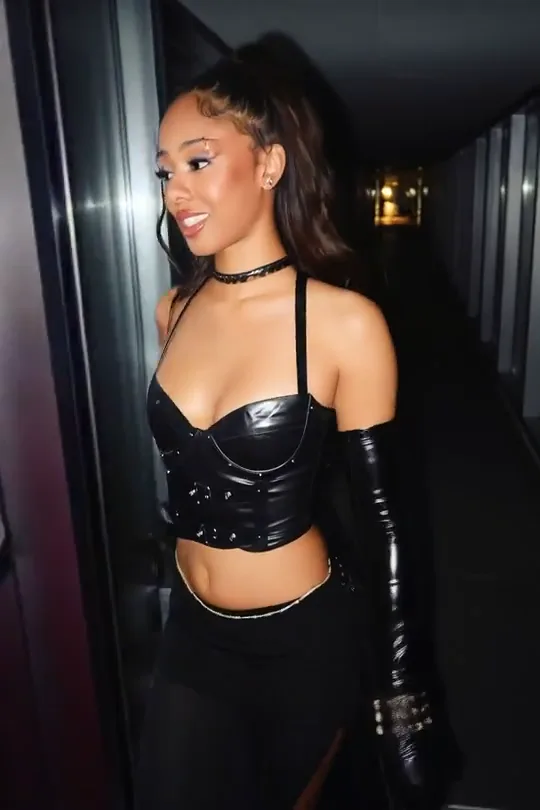




Fashion Lookbook Clips
Turn a single outfit photo into a runway-style walk with King AI image-to-video, ready for lookbooks and product pages.
Create Cinematic AI Videos
Turn prompts, photos, and keyframes into polished videos with King AI.
✨ Practical Video Workflows
Sellers, creators, and lean production teams use KingAI to move from a clear brief to reviewable motion without assembling a full studio workflow.
King AI helps commerce teams turn approved packshots into product motion. Use image-to-video when the product must stay recognizable, or text-to-video to explore new settings. KingAI makes it practical to compare angles before funding a full production day.
With King AI, creators can explore camera moves, character beats, and short narrative openings without rebuilding each idea on a timeline. KingAI supports quick variations, so a concept can adapt for Reels, Shorts, feeds, or sponsor review.
King AI gives small teams a visual way to discuss a script or campaign before expensive production begins. Use KingAI for previsualization, reference-led motion, landing-page loops, and alternate cuts that turn abstract stakeholder notes into concrete feedback.
Video Gallery
Explore fashion, performance, camera movement, and scene transitions in this curated reference gallery. Use these visual ideas to plan your next King AI video.
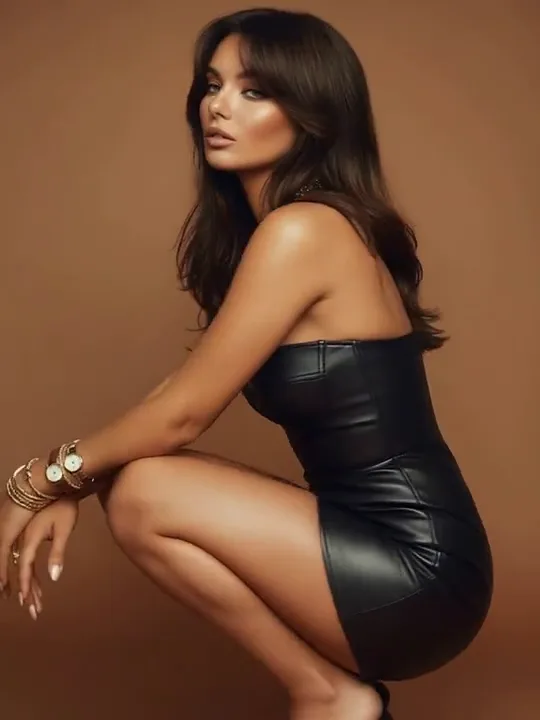
Turn a single outfit photo into a runway-style walk with King AI image-to-video, ready for lookbooks and product pages.
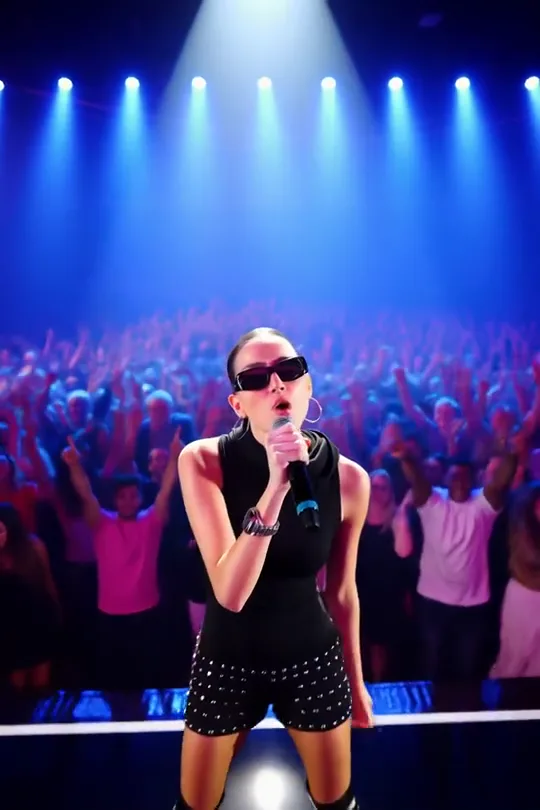
Morph a portrait into a live stage performance with first and last frame control for music promos and event teasers.
Guide slow camera moves and flowing fabric around a model to create editorial openers for fashion campaigns.
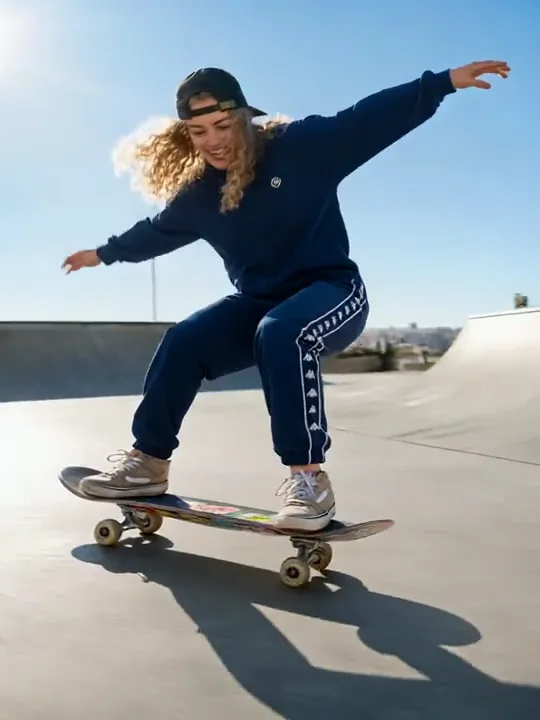
Shift one scene from winter to summer in a single shot, ideal for seasonal ads and before-and-after stories with King AI.
Capture warm light, sparkles, and natural motion from a text prompt for travel, lifestyle, and celebration content.
Circle a subject with a smooth orbit shot to present outfits, products, and portraits from every angle.
Compare King AI vs stock footage vs a timeline editor: this workflow starts from your exact scene, keeps references beside the brief, and produces alternatives for review. KingAI reduces handoffs between concepting and a usable motion draft.
King AI translates a written brief into motion while leaving room to specify subject behavior, camera language, atmosphere, composition, and pace. That makes a first generation feel like a directed concept rather than an unrelated stock clip.
Use KingAI image-to-video when an approved product, character, illustration, or key visual should remain the center of the shot. The source image grounds composition while your prompt explains movement, timing, and environmental change.
Define where a shot begins and where it should arrive. King AI uses those visual anchors to support reveals, transformations, transitions, and product sequences that need a clearer destination than an open-ended prompt can provide.
Bring images, video clips, and audio cues into one creative brief when text alone cannot communicate the target. King AI keeps those references connected to the generation step, helping teams discuss intent with less ambiguity.
Plan vertical motion for mobile feeds, widescreen scenes for launch pages, or square cuts for flexible campaign placement. Ratio choices stay close to the prompt, making format part of the concept instead of a late crop.
Generate alternate pacing, framing, and mood directions before polishing a final edit. Side-by-side options help creators defend a choice, help clients respond clearly, and help growth teams test ideas without treating every draft like a finished production.
Move from creative intent to an exportable draft in three focused steps, with no timeline setup required.
Describe the subject, action, setting, lens feel, lighting, pace, and final format. Clear constraints give every variation a useful creative boundary.
Start from text for broad exploration, an image for visual continuity, or keyframes and mixed references when KingAI needs firmer anchors.
Compare outputs in King AI, revise one variable at a time, then download the strongest cut for editing, approval, publishing, or campaign testing.
What they trusted enough to send, post, or leave in front of a class.
I kept sending briefs I later had to pull back, because the product went muddy from above. King AI is the first pass I trusted enough to leave the brief unchanged.

Creative Planner
Product campaigns
A smile into the lens was dying after a second. This cut finally held, and King AI is the one I actually posted.

Social Content Creator
Short-form video
Client meetings were arguments about a sentence. The approved still beside the moving draft ended the argument. King AI is why we did not book a second review.

Brand Content Coordinator
Client reviews
Busy moves were surviving because nobody could compare them calmly. I dropped the drift and kept the one cut I would deliver. That decision was easy only after King AI.

Video Editor
Final cut
The class kept asking me to start the idea over. They could follow the short preview, and King AI is the version I left in the lesson.

Science Explainer
Classroom video
Compare plans by generation pace, review volume, privacy needs, and the number of campaign variations your workflow requires.
🎉 Congrats! You've unlocked special pricing
Offer ends in:
$142.56 billed annually
Save $95.04/year
Great for solo creators publishing short-form videos
$287.28 billed annually
Save $191.52/year
Built for agencies and teams running frequent video production
For studios and commercial teams that need high-volume generation
Credits
Unlimited Generations
Unlimited Video Generation
Unlimited Video Generation
Unlimited Image Generation
$1,439.28 billed annually
Save $959.52/year
Nano Banana · unlimited image generations
Credits
72,000Credits /year
Unlimited Generations
Unlimited Image Generation
$359.93 billed annually
Veo 3 & Veo 3.1 Fast · unlimited video generations
Credits
244,800Credits /year
Unlimited Generations
Unlimited Video Generation
Unlimited Video Generation
$1,223.93 billed annually
For any inquiries or assistance, please contact us: support@king-ai.net
Open King AI with a concise brief or a strong reference image, then direct a first clip you can review, refine, and share.