
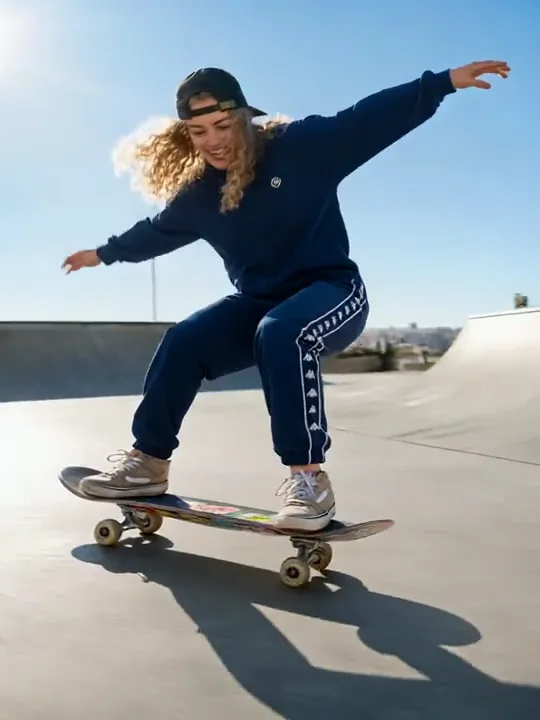
Clips de lookbook de moda
Convierte una sola foto de un look en un desfile con la función imagen a video de King AI, lista para lookbooks y fichas de producto.
Crea vídeos cinematográficos con IA
Convierte prompts, fotos y fotogramas clave en vídeos pulidos con King IA.
✨ Flujos de trabajo de vídeo prácticos
Vendedores, creadores y equipos de producción reducidos utilizan KingAI para pasar de un briefing claro a movimiento listo para revisar sin montar todo un flujo de trabajo de estudio.
King IA ayuda a los equipos de comercio a convertir fotos de producto aprobadas en movimiento. Utiliza imagen a vídeo cuando el producto deba seguir siendo reconocible o texto a vídeo para explorar nuevos entornos. KingAI permite comparar ángulos de forma práctica antes de financiar una jornada completa de producción.
Con King IA, los creadores pueden explorar movimientos de cámara, acciones de personajes y aperturas narrativas breves sin reconstruir cada idea en una línea de tiempo. KingAI permite crear variantes rápidas para adaptar un concepto a Reels, Shorts, feeds o revisiones de patrocinadores.
King IA ofrece a los equipos pequeños una forma visual de debatir un guion o una campaña antes de comenzar una producción costosa. Utiliza KingAI para previsualización, movimiento guiado por referencias, bucles de páginas de destino y montajes alternativos que conviertan notas abstractas de las partes interesadas en comentarios concretos.
Galería de vídeos
Explora moda, interpretación, movimiento de cámara y transiciones de escena en esta galería de referencias seleccionadas. Utiliza estas ideas visuales para planificar tu próximo vídeo con King IA.
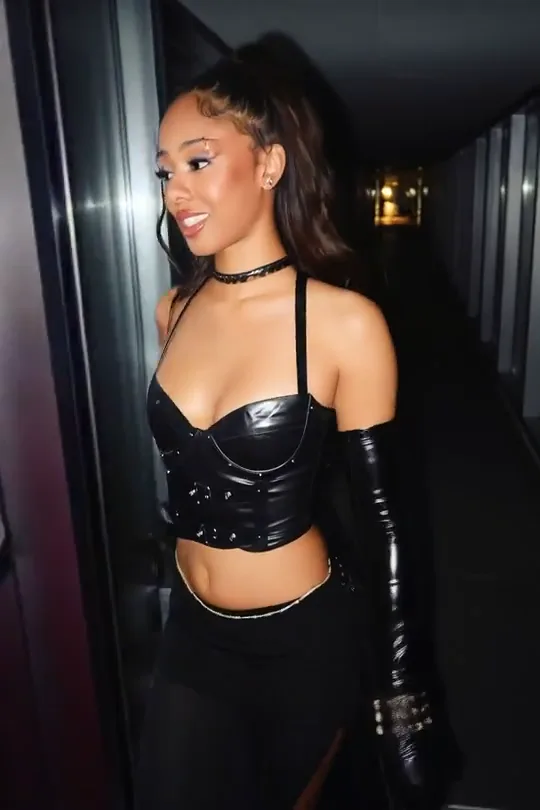
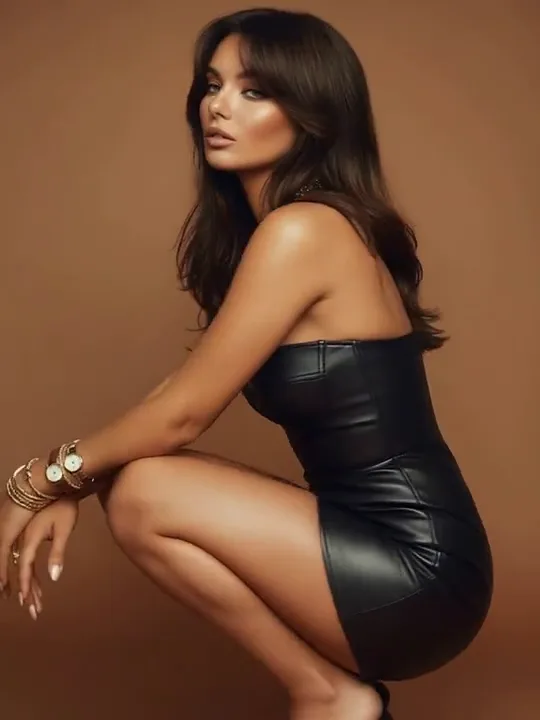
Convierte una sola foto de un look en un desfile con la función imagen a video de King AI, lista para lookbooks y fichas de producto.
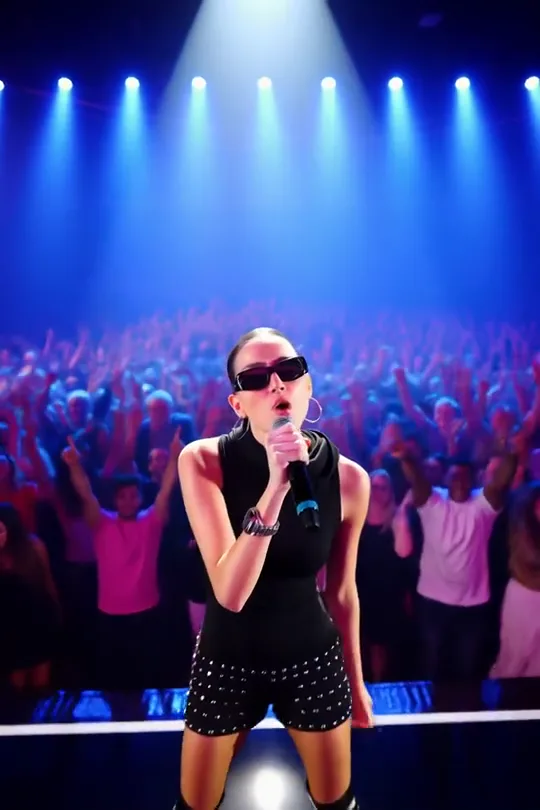
Transforma un retrato en una actuación en directo con el control de primer y último fotograma para promociones musicales y teasers de eventos.
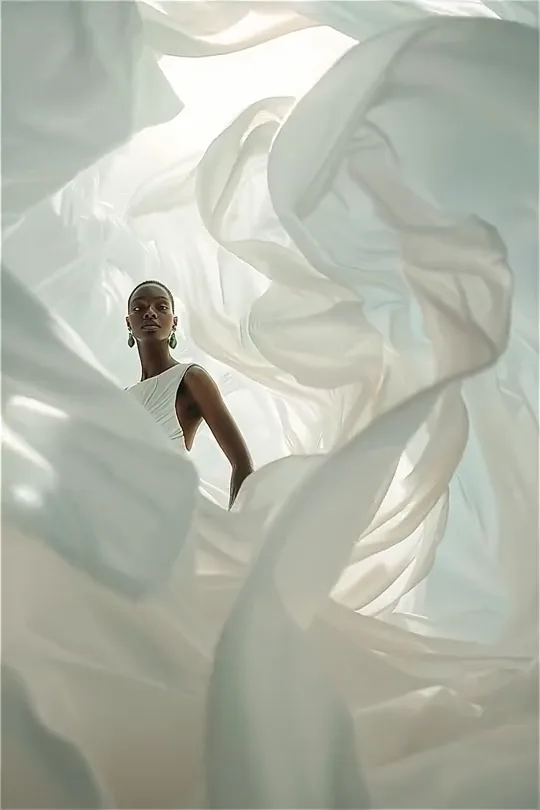
Guía movimientos de cámara lentos y telas fluidas alrededor de una modelo para crear aperturas editoriales de campañas de moda.
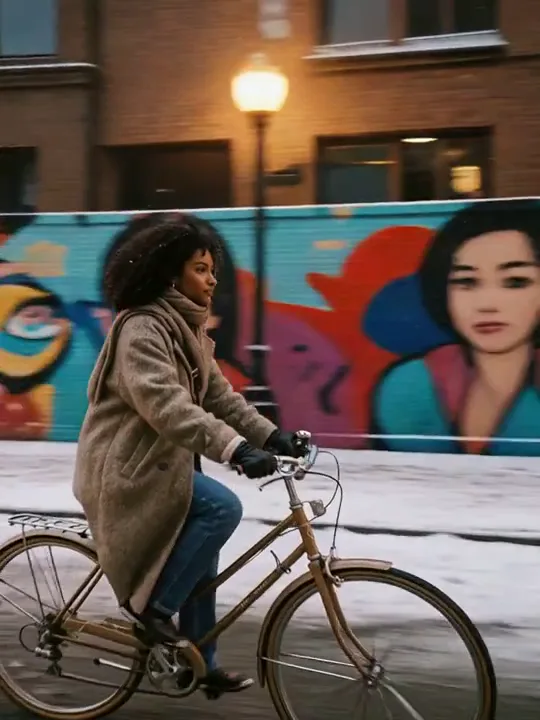
Pasa una escena de invierno a verano en una sola toma, ideal para anuncios de temporada e historias de antes y después con King AI.
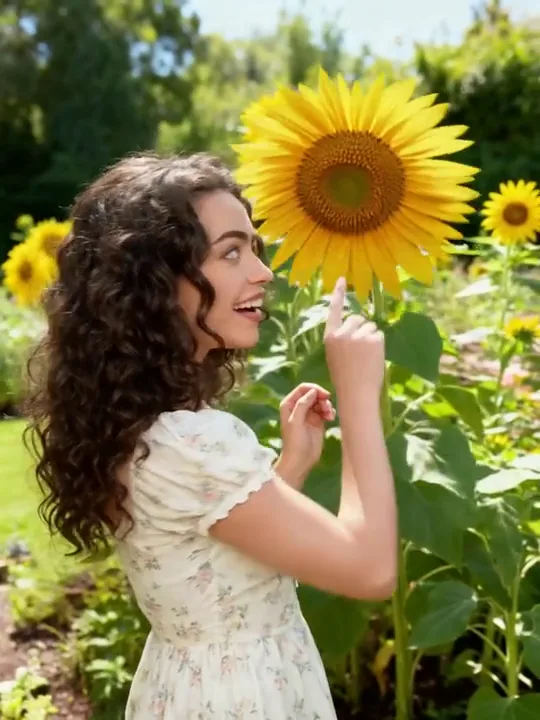
Captura luz cálida, bengalas y movimiento natural a partir de un prompt de texto para contenido de viajes, estilo de vida y celebraciones.
Rodea a un sujeto con una toma orbital fluida para mostrar looks, productos y retratos desde todos los ángulos.
Compara King IA con los vídeos de archivo y un editor con línea de tiempo: este flujo de trabajo parte de tu escena exacta, mantiene las referencias junto al briefing y produce alternativas para revisión. KingAI reduce los traspasos entre la concepción y un borrador en movimiento utilizable.
King IA transforma un briefing escrito en movimiento y permite especificar el comportamiento del sujeto, el lenguaje de cámara, la atmósfera, la composición y el ritmo. Así, una primera generación se percibe como un concepto dirigido en lugar de un clip de archivo sin relación.
Utiliza imagen a vídeo de KingAI cuando un producto, personaje, ilustración o imagen principal aprobados deban seguir siendo el centro de la toma. La imagen de origen fija la composición, mientras tu prompt explica el movimiento, el ritmo y los cambios del entorno.
Define dónde comienza una toma y adónde debe llegar. King IA utiliza esas referencias visuales para facilitar revelaciones, transformaciones, transiciones y secuencias de producto que necesitan un destino más claro del que puede ofrecer un prompt abierto.
Reúne imágenes, clips de vídeo e indicaciones de audio en un briefing creativo cuando el texto por sí solo no comunique el objetivo. King IA mantiene esas referencias conectadas con la generación y ayuda a los equipos a debatir la intención con menos ambigüedad.
Planifica movimiento vertical para feeds móviles, escenas panorámicas para páginas de lanzamiento o versiones cuadradas para colocar campañas con flexibilidad. Las opciones de relación de aspecto están junto al prompt, de modo que el formato forme parte del concepto y no de un recorte tardío.
Genera alternativas de ritmo, encuadre y ambiente antes de pulir la edición final. Las opciones en paralelo ayudan a los creadores a defender una elección, a los clientes a responder con claridad y a los equipos de crecimiento a probar ideas sin tratar cada borrador como una producción terminada.
Pasa de la intención creativa a un borrador exportable en tres pasos centrados, sin configurar una línea de tiempo.
Describe el sujeto, la acción, el entorno, el estilo de lente, la iluminación, el ritmo y el formato final. Unos límites claros dan a cada variante un marco creativo útil.
Empieza con texto para explorar de forma amplia, una imagen para mantener la continuidad visual o fotogramas clave y referencias mixtas cuando KingAI necesite puntos de apoyo más firmes.
Compara los resultados en King IA, modifica una variable cada vez y descarga el mejor montaje para editarlo, aprobarlo, publicarlo o probarlo en una campaña.
Lo que se atrevieron a enviar, publicar o dejar delante de una clase.
Seguía enviando briefs que luego tenía que retirar, porque el producto se enturbiaba visto desde arriba. King AI es la primera versión que confié lo bastante como para dejar el brief igual.

Planificador creativo
Campañas de producto
Una sonrisa a cámara se moría al segundo. Este corte por fin aguantó, y King AI es el que de verdad publiqué.
Creadora de contenido social
Vídeo corto
Las reuniones con el cliente eran discusiones sobre una frase. El still aprobado junto al borrador en movimiento terminó la discusión. King AI es la razón por la que no pedimos una segunda revisión.

Coordinador de contenido de marca
Revisión con el cliente
Los movimientos aparatosos sobrevivían porque nadie podía compararlos con calma. Tiré el desplazamiento y me quedé con el único corte que entregaría. Esa decisión fue fácil solo después de King AI.

Editor de vídeo
Montaje final
La clase me pedía empezar la idea otra vez. El avance corto sí lo pudieron seguir, y King AI es la versión que dejé en la lección.
Divulgador científico
Vídeo de clase
Compara los planes según el ritmo de generación, el volumen de revisiones, tus necesidades de privacidad y el número de variantes de campaña que requiere tu flujo de trabajo.
🎉 ¡Enhorabuena! Has desbloqueado precios especiales
La oferta termina en:
142,56 US$ facturado anualmente
Ahorra 95,04 US$/año
Ideal para creadores individuales que publican vídeos cortos
287,28 US$ facturado anualmente
Ahorra 191,52 US$/año
Diseñado para agencias y equipos que producen vídeos con frecuencia
Para estudios y equipos comerciales que necesitan generar contenido a gran escala
Créditos
Generaciones ilimitadas
Generación ilimitada de vídeos
Generación ilimitada de vídeos
Generación ilimitada de imágenes
1439,28 US$ facturado anualmente
Ahorra 959,52 US$/año
Nano Banana · generaciones de imágenes ilimitadas
Créditos
72.000Créditos /año
Generaciones ilimitadas
Generación ilimitada de imágenes
359,93 US$ facturado anualmente
Veo 3 & Veo 3.1 Fast · generaciones de vídeos ilimitadas
Créditos
244.800Créditos /año
Generaciones ilimitadas
Generación ilimitada de vídeos
Generación ilimitada de vídeos
1223,93 US$ facturado anualmente
Para cualquier consulta o asistencia, por favor contáctenos: support@king-ai.net
Abre King IA con un briefing conciso o una buena imagen de referencia y dirige un primer clip que puedas revisar, perfeccionar y compartir.